
If you want to hit goals in 2026, pick the app that matches how you work, not the one with the longest feature list. In this list, I’d use Strides or Habitica for personal habits, Weekdone or 15Five for team goal alignment, ClickUp or Asana for work tied to projects, Notion for a build-it-yourself setup, and Reclaim.ai when calendar time is the main problem.
Here’s the short version:
- People who write down goals are 42% more likely to achieve them.
- Teams using structured goal systems often see 20%–25% better performance.
- The 10 apps covered here are: Strides, Goalify, Habitica, Lifetick, Weekdone, 15Five, ClickUp, Asana, Notion, and Reclaim.ai.
- Prices range from free to about $24.99 per user/month, with some tools adding AI costs on top.
- The main choice is simple: habits, OKRs, projects, custom setup, or calendar planning.
If I were choosing fast, I’d sort the tools like this:
- For solo habit tracking: Strides, Goalify, Habitica, Lifetick
- For team goals and check-ins: Weekdone, 15Five
- For goals tied to tasks: ClickUp, Asana
- For a flexible workspace: Notion
- For time-blocking goal work: Reclaim.ai
The Best Goal Setting Apps for 2026
sbb-itb-7c1dd7e
Quick Comparison
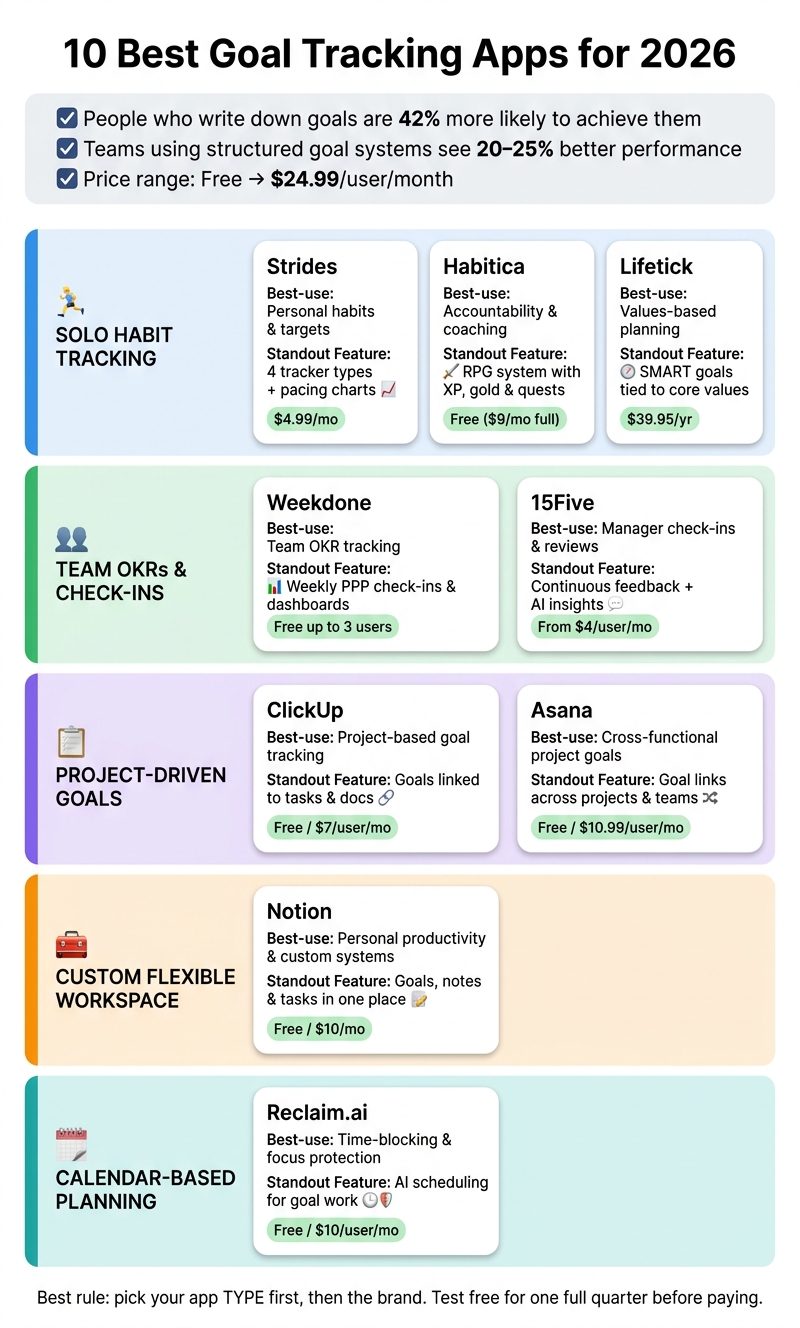
10 Best Goal Tracking Apps for 2026: Side-by-Side Comparison
| App | Best for | What stands out | Starting price |
|---|---|---|---|
| Strides | Personal habits and targets | 4 tracker types, pacing charts | $4.99/month |
| Goalify | Accountability | Shared goals, workflows, streaks | Free |
| Habitica | Gamified habits | RPG system with XP and team quests | Free |
| Lifetick | Values-based planning | SMART goals tied to core values | $39.95/year |
| Weekdone | Team OKRs | Weekly PPP check-ins and dashboards | Free for up to 3 users |
| 15Five | Manager check-ins | Feedback, reviews, goal follow-up | $4/user/month |
| ClickUp | Project-driven goal tracking | Goals linked to tasks and dashboards | $7/user/month |
| Asana | Cross-team project goals | Goals across projects and teams | $10.99/user/month |
| Notion | Custom goal systems | Goals, notes, and tasks in one place | $10/user/month |
| Reclaim.ai | Calendar-based planning | AI time blocking for goal work | Free |
Bottom line: I’d start with the app type, not the brand name. If you miss habits, use a habit tracker or explore essential websites for entrepreneurs to find more productivity tools. If your team lacks alignment, use an OKR tool. If work gets buried under meetings, use a calendar-first tool. And before paying, test the free plan for one full quarter.
Quick Comparison: 10 Best Goal Tracking Apps at a Glance
Use the table below to compare the 10 apps by workflow, feature, and pricing.
| App | Best Use Case | Standout Feature | Pricing |
|---|---|---|---|
| Strides | Solo founder habit and goal tracking | Four tracker types and goal pacing charts | From $4.99/mo |
| Goalify | Accountability and coaching | Motivational challenges and integrated coaching | Free; paid plans available |
| Habitica | Habit building through play | RPG-style gamification with XP, gold, and character health | Free; $9/mo for full access |
| Lifetick | Personal goal planning | Values-based goals and milestone tracking | From $9/mo |
| Weekdone | OKR tracking | Weekly progress reports and team alignment | Free for small teams; paid per user |
| 15Five | Manager check-ins and performance goals | Continuous feedback and reviews | From $4/user/mo |
| ClickUp | Project-based goal tracking | Custom goals tied to tasks and docs | Free; from $7/user/mo |
| Asana | Cross-functional project goals | Goal links across projects and workloads | Free; from $10.99/user/mo |
| Notion | Personal productivity and habit tracking | Flexible templates for goals and daily planning | Free; from $10/mo |
| Reclaim.ai | Time-blocking and focus protection | AI scheduling that protects goal time | Free; from $8/mo |
If you’re working on your own, Strides, Goalify, and Notion tend to make the most sense. If you’re running a team or building one, Weekdone, 15Five, ClickUp, and Asana are usually the better match.
Think of this as a quick filter. It helps you narrow the field before getting into the app-by-app breakdown.
1. Strides
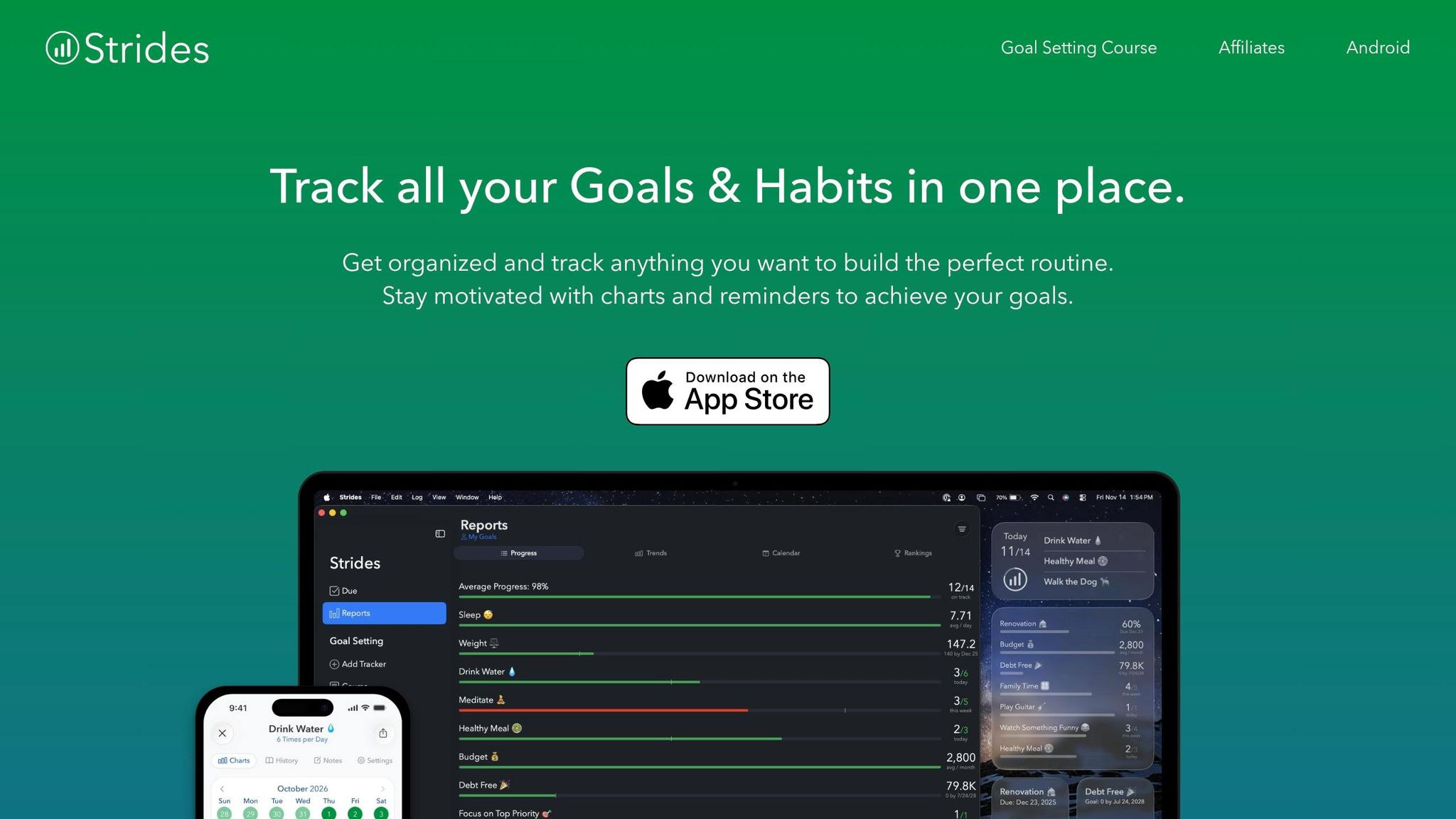
Strides is a focused goal and habit tracker built for solo users.
For founders, that focus fits everyday work pretty well. You can use it to track launch milestones, sales targets, and the weekly habits that keep things moving.
Here’s how its tracker types line up with that kind of work:
- Habit – tracks streaks for routines you want to build or break
- Target – aims for a specific number by a set date, like a revenue goal or user growth target
- Average – logs repeating values over time, such as weekly sales outreach volume
- Milestone – splits a bigger project into step-by-step phases, which works well for product launches
One part I like is the pacing view. Strides shows whether you’re ahead of schedule or falling behind, and its progress bars and line charts fill in as you log entries. That makes it easy to spot drift before a goal starts slipping. Setup is also quick, with 150+ templates available.
There are a few trade-offs. Strides is Apple-only, it doesn’t include native collaboration, and the free plan stops at 3 trackers. That cap can feel tight fast if you’re tracking a few goals at once.
Pricing starts with a free plan for 3 trackers. After that, Strides Plus costs $4.99/month, $39.99/year, or a one-time lifetime purchase.
Strides also holds a 4.8/5 rating on the App Store from 19,000+ reviews. For Apple users who want a low-cost way to track personal goals and habits, it’s a solid pick.
If you want more accountability than solo tracking can give, Goalify is the next app to check out.
2. Goalify
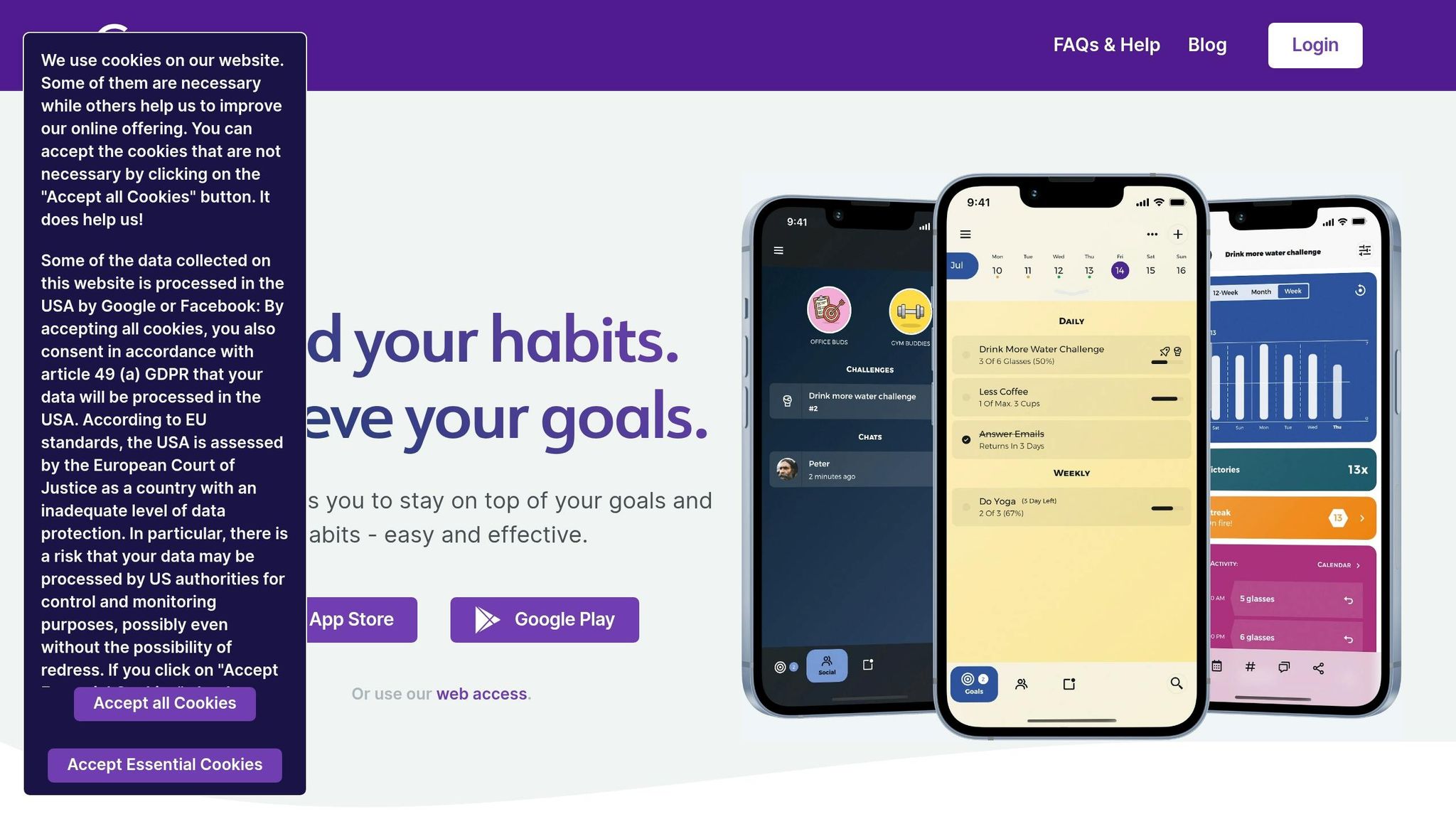
Goalify works well for founders who want recurring goals, team accountability, and a simple way to track how work gets done. This approach helps you work smart, not hard while scaling your business. It supports both recurring and one-time goals, and accountability is built right into the main product experience.
One feature that stands out is Workflows. It lets you build SOPs and checklists with branching steps, timing rules, and required feedback. For small teams, Shared Objectives is a nice time-saver. You can assign the same KPIs or habits to everyone at once instead of setting them up one by one. That same structure shows up in day-to-day tracking, where Goalify keeps goals front and center.
Goalify also tracks streaks, logs activity in a calendar view, and sends automated nudges. On top of that, it supports custom metrics, which gives you more control over how progress is measured.
Pricing is pretty straightforward:
- Free: up to 3 goals and 1 accountability group
- Paid plans start at $3.99/month or $39.99/year, with an early bird annual option at $29.99/year
- Goalify Professional includes a 14-day free trial with no credit card required
It also has a 4.7/5 App Store rating based on 339 reviews.
The main downsides are a steeper learning curve and occasional streak-count bugs.
If you want something with a more playful feel, the next app goes in a different direction.
3. Habitica
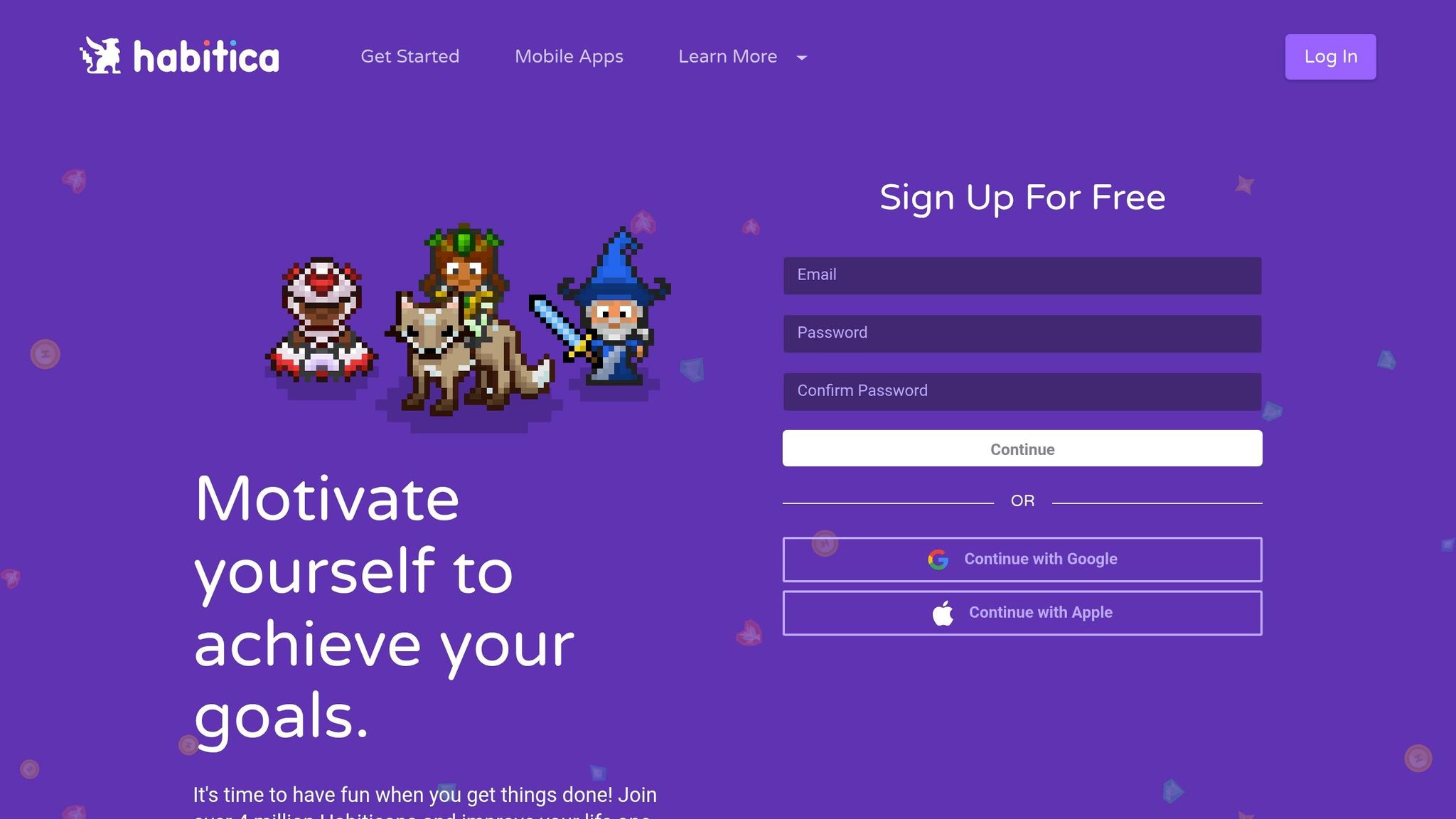
Habitica works well for solo founders who need a stronger push than a plain task list can give. It turns goals, habits, and to-dos into a 16-bit role-playing game where you build an avatar, earn Experience Points (XP) and Gold for finishing tasks, and lose Health Points (HP) when you skip them.
The system breaks task tracking into three buckets:
- Habits for flexible behaviors you want to build or stop
- Dailies for recurring tasks tied to a schedule
- To-Dos for one-time items
That setup makes Habitica a good match for solo founders who respond to rewards, streaks, and routine. And there’s a real sting if you fall off: miss enough Dailies, and your character dies, which costs you progress.
Habitica also puts a lot of weight on accountability. You can join a Party with other users and take on Boss Quests together. If you miss your Dailies, the whole party takes damage. That shared penalty can be a strong nudge for founders who do better when other people are counting on them.
On the integration side, Habitica is a bit light. It does offer an API and Zapier support for automated habit check-ins. So if deep app connections are your top concern, this may feel a little thin. But if motivation is the main problem, Habitica can still do the job. Just know that for many users, the game-like appeal starts to wear off after 4–6 weeks.
Pricing is one of Habitica’s biggest selling points. The core features are free forever, and the optional subscription costs about $4.99/month or $47.99/year. The paid plan mostly opens up cosmetic extras like costumes and pets instead of locking away core tools. Habitica also has a 4.5/5 rating on the iOS App Store and 4.4/5 on Google Play.
If you want less game and more structure, the next app goes in a different direction.
4. Lifetick
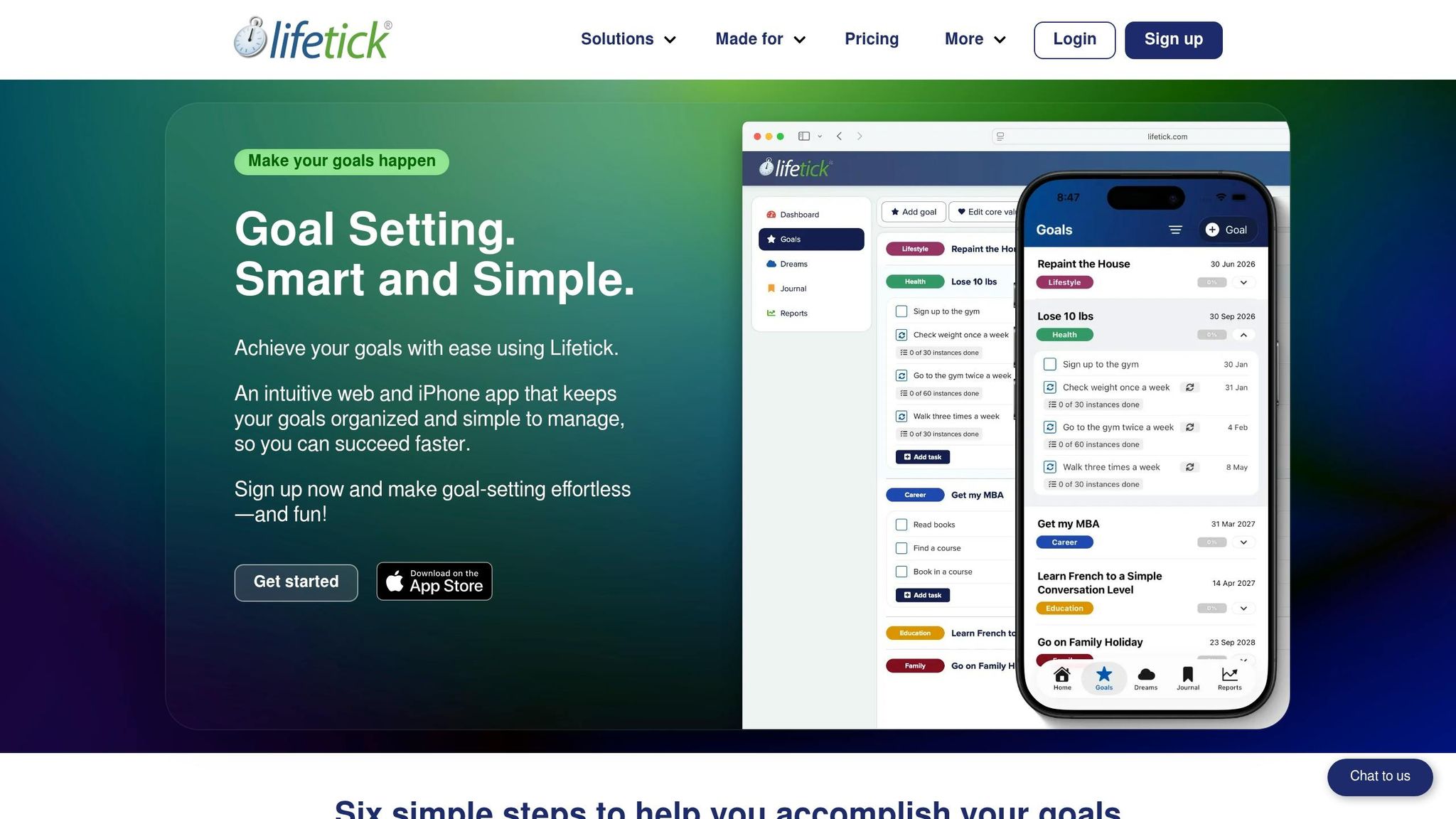
Lifetick makes sense for solo founders who care more about long-term, values-based goals than game-style streaks and badges. It uses the SMART goal method, so every goal needs to be Specific, Measurable, Achievable, Relevant, and Time-bound. That setup helps you spell out what success looks like before you start tracking anything.
One thing Lifetick does well is tie the big picture to daily action. It places Core Values, Goals, Tasks, and Habits into one structure, which makes it easier to see how today’s work connects to what matters over time.
That said, Lifetick is built more for personal growth and long-range life planning than team project work. Its workflow tools are fairly basic, with support centered on calendar sync, progress tracking, and reminders for Apple, Google, and Microsoft calendars. So if you need deep app connections or heavier team workflows, it may feel a bit light.
The interface is simple and free of clutter, though some users say it looks dated. It holds a 4.4/5 rating from 200+ reviews, and people often point to its structured planning system as a plus while saying it’s less suited for habit tracking.
At $39.95/year, Lifetick sits on the lower end for a paid planner. It’s a solid pick for solo founders who want a clear, values-first system without spending much each year. If team collaboration matters more, the next app will likely be a better match.
5. Weekdone
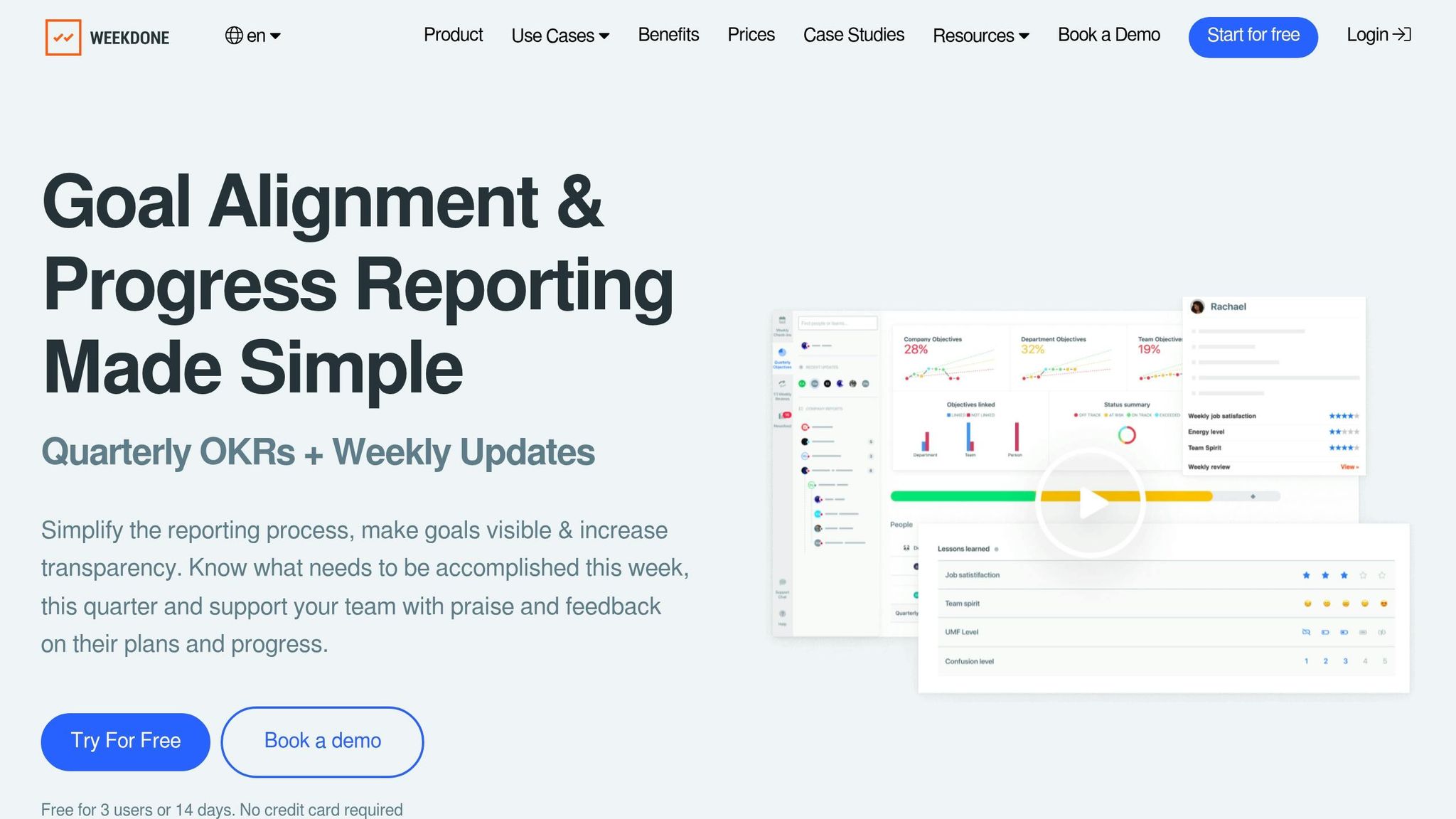
Weekdone is built around OKRs and weekly PPP check-ins, so it connects day-to-day work to bigger company goals. That makes it a stronger pick for team execution than a simple personal habit tracker.
One of its better features is how early it brings problems to light. Weekly check-ins include a Challenges section for blockers, and automated status reports, an OKR hierarchy tree, and dashboards make progress easy to see. Users often point to that clear view into team progress and roadblocks as a big plus.
Weekdone is aimed at SMBs with 10 to 1,000 employees, and its free plan supports up to 3 users with full features and personalized OKR coaching. It also connects with tools many teams already use, including:
Paid plans start at $108/month for up to 10 users, and annual billing cuts the price by 20%. The tradeoff is pretty simple: there can be a learning curve if your team is new to OKRs, and pricing gets steeper as your company grows.
Weekdone has a 4.4/5 rating across 106 reviews, with 4.5/5 on Capterra and 4.2/5 on G2. If you need something with more depth around feedback and performance reviews, 15Five is the next step.
6. 15Five
If Weekdone is more about team OKRs, 15Five leans harder into manager check-ins and performance reviews. And that matters. When OKRs keep slipping, the problem usually isn’t the goal itself. It’s the follow-through. 15Five turns weekly key result updates into a 5-minute check-in that also helps with 1-on-1 prep, so it’s a better fit for founders managing people, not just moving tasks around.
It goes past check-ins, too. 15Five includes 360-degree feedback, 1-on-1 templates, and AI-powered manager insights that can flag direct reports who haven’t updated their goals in more than 10 days. Founders and team leads can also use the Outcomes and Insights dashboards to track performance, retention, and engagement. On the integration side, it connects with Slack, Jira, Salesforce, and HRIS tools like Workday and ADP, which helps keep goal tracking tied to the work people are already doing.
Pricing:
| Plan | Price | What’s Included |
|---|---|---|
| Engage | $4/user/mo | Engagement surveys only – no OKRs |
| Perform | $11/user/mo | OKRs, 360 feedback, AI-assisted reviews, 1-on-1s |
| Total Platform | $16/user/mo | Full suite plus manager training |
| Kona AI Add-on | +$2/user/mo | Real-time AI coaching during meetings |
15Five fits best with mid-market teams and Series B+ startups that already run on a weekly management rhythm. The main drawback is its shallower OKR hierarchy, which can make cross-team dependency tracking harder once you get past five or six levels. Some users also mention that AI add-on fees can stack up over time. On G2, 15Five has a 4.6/5 rating from 1,902 reviews as of May 2026.
7. ClickUp
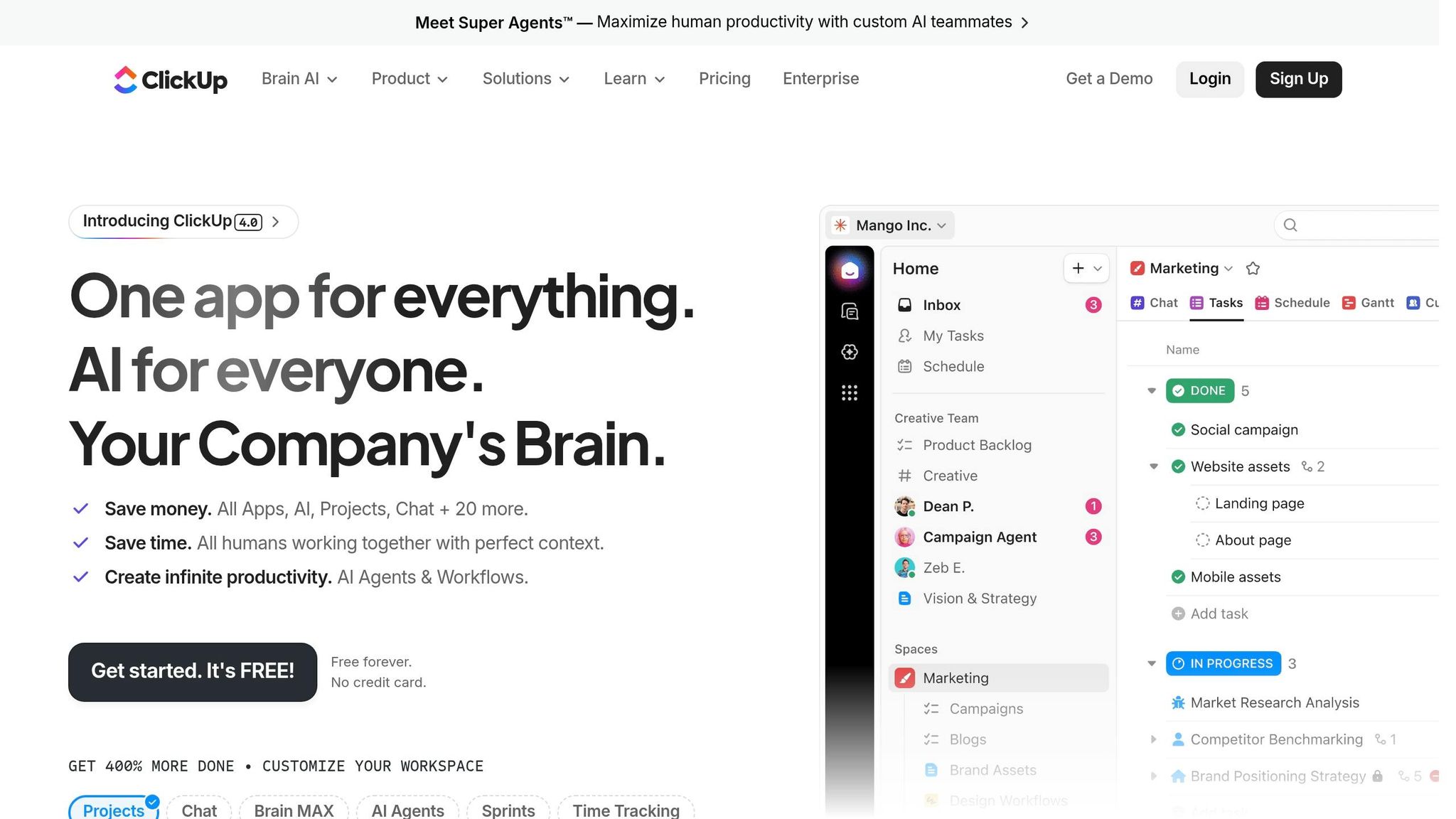
For teams that want goals tied straight to execution, ClickUp keeps tracking in the same place as the work. It brings goal tracking, tasks, and dashboards into one workspace. The Goals feature gives teams a flexible way to set big-picture objectives and measurable Targets that update on their own as linked tasks get done. You can also group related goals into Goal Folders like "Q3 OKRs" and check total progress across an initiative at a glance.
ClickUp supports number-based, monetary, yes/no, and task-based goals. Progress roll-ups and dashboards make it easier to connect day-to-day work with company targets.
Business is the practical starting point for full goal tracking at $12/user/month when billed annually.
| Plan | Price | Notes |
|---|---|---|
| Free Forever | $0 | No goal tracking or Timeline views |
| Unlimited | $7/user/mo | Unlimited storage, but not the full Goals feature set |
| Business | $12/user/mo | Recommended for goal tracking |
| Enterprise | Custom pricing | Advanced permissions and support |
| ClickUp Brain (AI) | About $9/user/mo | AI add-on for summaries and standups |
The catch is complexity. Most teams need about 1–2 weeks to get comfortable with the basics. That makes ClickUp a better fit for teams juggling multiple projects where customization matters more than simplicity. On G2, it has a 4.7/5 rating from more than 10,000 reviews.
If your team wants similar visibility with less setup, Asana is next.
8. Asana
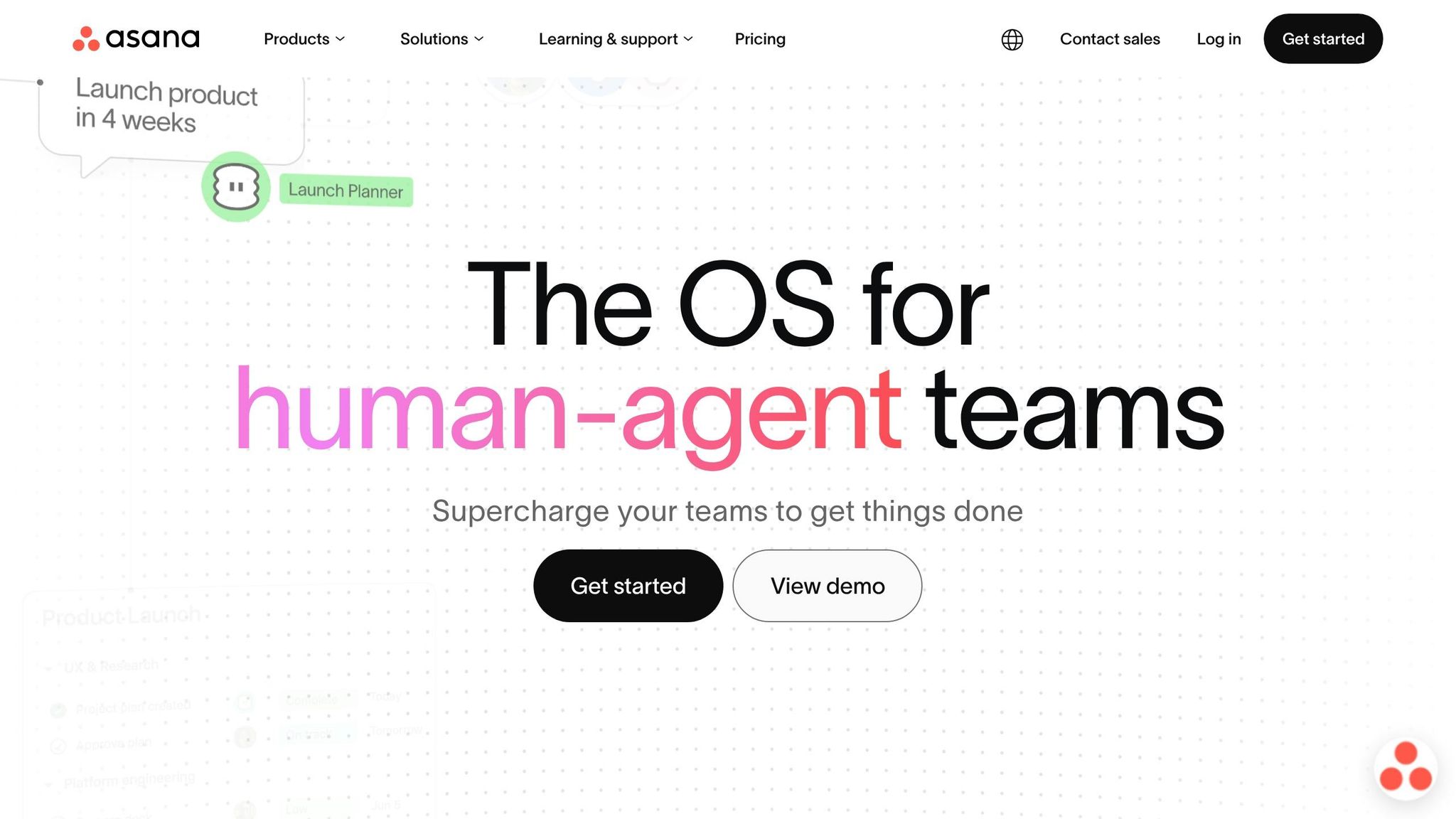
Asana is built for structured goal tracking across teams. Its Work Graph connects tasks and projects to team and company goals, so you can see how day-to-day work ties back to the bigger picture.
The Goals feature supports OKRs, KPIs, and SMART goals at the company, team, and individual level. Progress can update on its own as linked tasks, milestones, or projects get finished. Asana can also pull in Salesforce data for metrics like revenue and pipeline. On top of that, Asana AI and AI Teammates can summarize progress, automate status updates, and flag goals that may be off track.
Asana also connects with 250+ tools, including Slack, Microsoft Teams, and Harvest. That makes it a solid option for cross-functional teams in marketing, operations, and product. The big catch is price, especially once your team starts growing.
Advanced is the main plan for goal tracking. Starter starts at $10.99 per user/month, and Advanced starts at $24.99 per user/month when billed annually. There’s also a pricing quirk worth noting: above 5 users, Asana bills in 5-seat blocks. So if you have a 6-person team, you pay for 10 seats. That comes out to about $2,999/year instead of $1,799/year.
| Plan | Annual Price | Goal Tracking |
|---|---|---|
| Personal | $0 | Basic tasks/projects only; no dedicated Goals feature |
| Starter | $10.99/user/mo | No |
| Advanced | $24.99/user/mo | Yes – Goals, Portfolios, advanced reporting |
| Enterprise | Custom | Yes |
Asana has a 4.4/5 rating on G2. It fits teams that want a polished, structured workflow and have room in the budget for the higher cost. If you want something more flexible for a personal workspace, Notion is next.
9. Notion
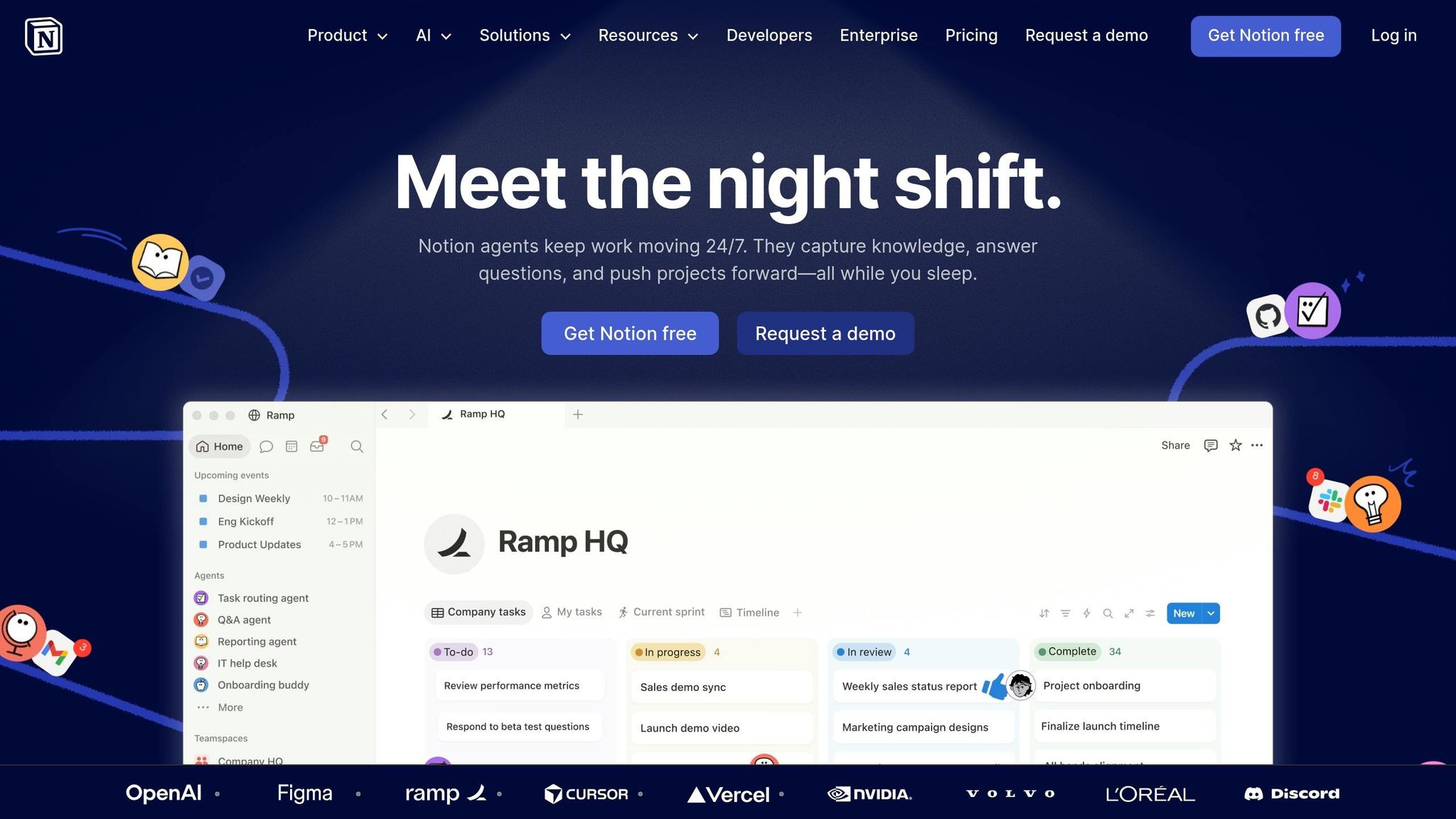
Notion is a flexible workspace that can track goals too. It does take time to set up, though. Getting a team onboarded can take around 12 hours.
For goal systems, Notion handles the basics well. Its official Objectives & Key Results Tracker connects company, team, and individual goals. If you need something simpler, there are also SMART goals tracker templates that work well for personal use or freelance-style planning. Many of the top-rated templates have a 4.85/5 user rating. You can also use linked tasks, formulas, and rollups to calculate progress without doing the math by hand.
The big draw is simple: goals, notes, and tasks live in one workspace. That setup makes sense for teams that want goals, docs, and wikis in the same place instead of spread across a bunch of tools.
Still, Notion has limits when goal tracking gets more advanced. It doesn’t have native Gantt dependencies or proactive deadline notifications.
Pricing in 2026 starts at $0. Paid plans start at $10/user/month, and there’s an optional Notion AI add-on for $8/user/month, billed annually where noted.
| Plan | Price | Main trade-off |
|---|---|---|
| Free | $0 | 7-day page history |
| Plus | $10/user/month (billed annually) | 30-day page history |
| Business | $15/user/month (billed annually) | Higher monthly price |
| Notion AI Add-on | +$8/user/month (billed annually) | Optional extra for summaries and action items |
At $10/user/month, Notion makes sense for small teams that want goals and docs in one place. If your goal tracking already runs through Notion, the next problem is working smart, not hard – and that’s where Reclaim.ai comes in.
10. Reclaim.ai
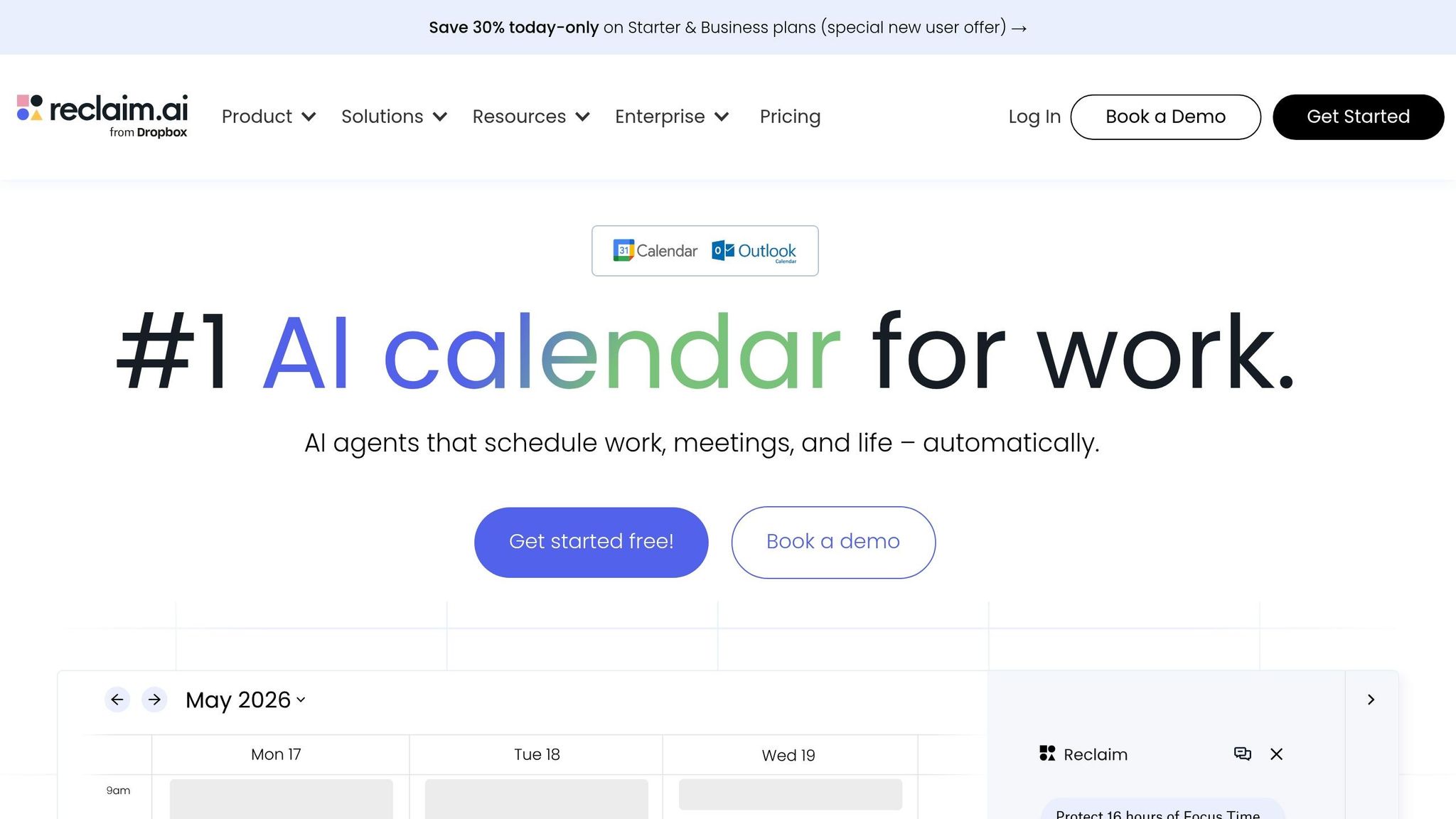
Reclaim.ai helps you track goals by blocking time for them on your calendar. The AI drops tasks and habits into open time slots, then shifts them when meetings move. So if your main issue isn’t setting goals but making time to do the work, this tool makes a lot of sense.
It works best for teams already using Google Calendar or Outlook. Reclaim also connects with Jira, Linear, Asana, and ClickUp, so tasks from those tools can flow into your calendar. The Asana integration even respects task dependencies, which means blocked tasks wait until their prerequisites are done. On top of that, Reclaim can turn goals into scheduled work blocks, and its Weekly Reports show how your time is being spent.
The free Lite plan includes 1 habit, 1 week of scheduling, and 1 user. Paid plans start at $10/user/month when billed annually. That opens up unlimited habits, 8 weeks of scheduling, and support for up to 10 users.
| Plan | Price (billed annually) | Key Limit |
|---|---|---|
| Lite | Free | 1 habit, 1-week scheduling, 1 user |
| Starter | $10/user/month | Unlimited habits, 8-week scheduling, 10 users |
| Business | $15/user/month | 12-week scheduling, 100 users, webhooks |
| Enterprise | Custom | 100+ users, SSO, SCIM |
If meetings keep crowding out your goals, Reclaim.ai helps protect time on your calendar so the work has a place to live.
How to Pick the Right Goal Tracking App for Your Workflow
Start with the point where your goals usually fall apart. Maybe you lose steam after one missed day. Maybe your goals never connect to the work you do each day. Or maybe your team just isn’t moving in the same direction. That pattern tells you a lot about which kind of app makes sense. Use that as your first filter before you compare one tool against another.
It also helps to sort your goals by type. If your goals are number-based, streak-based, or milestone-driven, you can rule out a lot of bad fits fast. Number-based and milestone goals usually fit better in OKR tools like Weekdone or 15Five. Streak-based habits usually work better in Habitica or Strides. And if your workflow is heavy on execution, ClickUp or Asana tend to make more sense because they connect goals straight to tasks and deliverables.
The table below maps common workflow needs to the right app type:
| What You Need | Best App Type | Watch Out For |
|---|---|---|
| Habit tracking | Habit tracker (Strides, Habitica) | No long-term strategic context |
| Team OKR alignment | OKR platform (Weekdone, 15Five) | Requires team buy-in |
| Goal-linked execution | Project management (ClickUp, Asana) | Can become a task list, not a goal system |
| Custom metrics & flexibility | DIY (Notion) | High setup time, ongoing upkeep |
| Daily focus & time-blocking | Calendar-based time blocker | Less useful for long-term strategic planning |
One of the biggest tradeoffs here is flexibility versus setup time. Notion gives you a lot of control, but there’s a catch: you can end up spending more time building the system than using it. On the other hand, dedicated tools like Weekdone or Goalify are ready to use right away, but they usually don’t bend much if your workflow is unusual.
If you’re a solo founder, simpler is often better. You want something you’ll actually use, not a side project you keep tweaking. If you’re running a team, put more weight on tools that include built-in accountability rhythms, like weekly check-ins, progress visibility, and manager-level reporting.
For team-wide adoption, start small. Run a 30-day pilot with one department before you roll anything out across the company. That gives you a clean way to test whether people will use it, where the friction shows up, and whether the tool fits how the team already works. Organizations using structured goal systems see 20–25% higher performance outcomes than those using informal processes. These tradeoffs become clearer in the pros and cons below.
Pros and Cons by App Type
These apps fall into five main types, and each one fits a different way of working. If you want the fastest way to narrow your options, start with app type before you dig into features or pricing.
| App Type | Apps in This List | Main Advantages | Key Limitations | Best-Fit User |
|---|---|---|---|---|
| Habit Trackers | Strides, Goalify, Habitica | Low friction; strong support for daily consistency; gamification in Habitica; recovery logic for missed days | Lack long-term strategic structure and don’t show whether habits are moving a bigger goal forward | Individuals focused on daily behavioral change |
| OKR Tools | Weekdone, 15Five | Structured quarterly objectives; team alignment; check-ins and reporting | Can feel rigid and require clear, measurable metrics upfront; Weekdone’s PPP format can be especially prescriptive | Founders and startup teams tracking business traction |
| Work Management Platforms | ClickUp, Asana | Link goals directly to tasks and deliverables; fit existing project workflows | Can turn into a task list if you don’t keep the goal layer visible | Operations leaders and teams managing complex projects |
| Customizable Systems | Notion | Total control over layout and data; integrates goals with notes and knowledge management | High setup and maintenance time; no built-in behavioral nudges; easy to abandon | Power users who want a unified personal operating system |
| Calendar-Driven Planners | Reclaim.ai | Centers a plan-do-review loop; time-blocking keeps goals on a real timeline | Requires consistent discipline for weekly reviews; less useful for long-term strategic planning | Entrepreneurs who need their goals tied to actual calendar time |
After that, the choice gets more down-to-earth. What do you need most: habit support, team alignment, execution, or control over your calendar?
Habit trackers are built for consistency. OKR tools are built for outcomes. Notion lands somewhere between those two, but it comes with the same practical tradeoff: high setup, high upkeep, and no built-in nudges to keep the system active.
One point matters more than it might seem: progress feedback tends to push completion better than logging by itself.
That makes the field much easier to narrow.
Conclusion
After comparing the options, the simplest rule is this: the best goal tracking app is the one you’ll keep using.
That lines up with what researchers Edwin Locke and Gary Latham found: specific, challenging goals drive better performance than vague ones. The app itself isn’t the goal. It’s the system that keeps your goals in sight and gives them a place to live.
If you want the shortest path based on workflow, here’s the practical breakdown:
- Use Strides or Habitica for habits
- Use Weekdone for team OKRs
- Use ClickUp or Asana for goal-linked execution
- Use Notion if you want a custom setup
- Use Reclaim.ai if you plan straight from your calendar
Before you pay for anything, test it first. Start with the free plan and use it for one quarter. That gives you enough time to see whether the setup fits the way you work day to day. Move to a paid plan only when you hit a clear wall, like reminders, automation, or deeper reporting. In plain English: upgrade when the free version no longer fits your workflow.
One habit matters more than any app you choose: a weekly 15-minute review. That recurring check-in does more for success than any single feature list.
FAQs
How do I choose the right app type for my goals?
Start by figuring out what kind of goal you’re setting: project-based, habit-focused, OKR-structured, or daily intentions.
Project goals, like launching a product, tend to fit tools like Todoist or Asana. Habit goals, like exercising every day, are often a better match for Beyond Time or Habitica.
It also helps to think about how you like to work. Do you want something simple, visual, or more structured? And do you need extras like automation, reminders, or team collaboration?
The best app is the one that fits how you think, the kind of goals you set, and the way you like to get work done.
Should I try a free plan before paying?
Yes. Starting with a free plan is usually a smart way to see if a goal tracking app fits how you work, without spending any money upfront.
Free plans, trials, and basic templates give you room to test the app’s main features and day-to-day usability before you decide to pay.
What’s best for solo use vs. team tracking?
For solo use, the best goal-tracking apps keep things simple. They help you build habits, stay consistent, and see how you’re doing without a lot of extra clutter. Todoist, GoalFlow, and Habitica stand out for personal accountability, habit consistency, and progress tracking.
For team tracking, the job changes. You need visibility, shared ownership, and a clear way to assign goals and check status. That’s where ClickUp, Monday.com, and Roadvix are a better fit for collaboration, goal assignment, status tracking, and team accountability.