

Entrepreneurs often face endless tasks and interruptions, making it hard to stay productive without burning out. The solution? Leverage simple tech tools and methods to save time, reduce stress, and focus on what matters most. Here’s a quick summary of the article’s key strategies:
- Batch Tasks: Group similar activities to minimize distractions and improve focus.
- Automate Repetitive Work: Tools like Zapier and IFTTT handle routine tasks for you.
- Apply the 80/20 Rule: Focus on the 20% of efforts that deliver 80% of results.
- Delegate Tasks: Use platforms like Fiverr or Upwork to offload low-priority work.
- Time-Boxing: Schedule tasks into specific time slots to stay on track.
- Streamline Communication: Use tools like Slack or Microsoft Teams to reduce email overload.
- Organize with Apps: Manage tasks visually with Trello or list-based tools like Todoist.
- Set Think Time: Block time for big-picture planning and idea generation.
- Use Note-Taking Tools: Organize information with apps like Notion or Evernote.
- Track Your Time: Tools like RescueTime or Clockify help identify and fix time-wasting habits.
These strategies combine to create a smoother, more efficient workflow, allowing you to tackle high-value tasks while cutting down on unnecessary effort. Start small – pick one or two methods that fit your needs – and build from there.
5 Must-Have Productivity Tools for Solo Entrepreneurs
1. Batch Similar Tasks to Minimize Context Switching
Jumping between tasks – like answering emails, reviewing code, and taking client calls – can drain your focus and slow you down. Task batching tackles this problem by grouping similar activities into dedicated time blocks, helping you stay in the zone and work more efficiently.
Instead of constantly checking emails or scrolling through social media, set aside specific time slots for each type of task. For example, dedicate one block to responding to emails and another to working on creative projects. This approach aligns perfectly with the fast-paced workflows of tech entrepreneurs, where efficiency is key.
When it comes to creative work, uninterrupted blocks of time can make a big difference. Many entrepreneurs find that batching similar tasks not only boosts productivity but also creates a smoother and more consistent creative process.
Task batching isn’t just about focus – it saves time too. By reducing the number of times you shift between tasks, you can get routine jobs like invoicing, expense tracking, or managing social media done faster. Instead of handling these tasks sporadically throughout the day, tackling them in one session can streamline your workflow.
The best part? You don’t need fancy tools to implement task batching. Simply reorganize your schedule. Start by identifying recurring tasks – such as communication, creative work, or administrative duties – and assign specific time slots to each. Adjust the duration of these blocks based on your energy levels and how your day typically flows.
Task batching is a simple yet powerful way to cut down on distractions and conserve your mental energy for the work that truly matters. All it takes is a bit of planning and discipline to see the benefits.
2. Automate Routine Workflows with Zapier or IFTTT

Automating repetitive tasks is like giving yourself extra hours in the day. Mundane activities, such as transferring data between apps, sending follow-up emails, or updating spreadsheets, can easily eat into your time. Tools like Zapier and IFTTT (If This Then That) take care of these processes for you. By linking your favorite apps, they create workflows that run automatically in the background, saving you from manual effort.
Here’s how it works: these platforms rely on triggers and actions. For example, if you receive an email attachment in Gmail, it can automatically save to Google Drive and notify you on Slack. It’s simple, yet incredibly effective.
How Automation Saves Time
The time saved through automation can quickly add up. Even small workflows, like automatically adding email subscribers or saving social media photos, shave off minutes per task. Multiply that by dozens of similar actions, and you’ll notice a big difference.
More advanced automations can save even more time. Imagine generating invoices automatically when a project milestone is hit or turning blog posts into social media updates without lifting a finger. These workflows can free up hours every week, letting you focus on tasks that matter most.
Start by identifying the repetitive tasks that eat into your day. Whether it’s data entry, file organization, or status updates, track how often you perform these actions. Those are the perfect candidates for automation. And when these tools integrate seamlessly with your existing systems, the benefits only grow.
Easy Integration with Your Apps
Both Zapier and IFTTT are built to work with the tools you already use. Zapier connects with over 5,000 apps, including business staples like Salesforce, Slack, Trello, and QuickBooks. IFTTT leans more toward consumer apps and smart home devices but still supports key business platforms.
The best part? No coding required. Both platforms offer user-friendly, drag-and-drop interfaces. You simply choose the trigger app, define the event that starts the automation, and then set what the action app should do. Most workflows take less than 10 minutes to set up.
These tools also eliminate the need for manual transfers between systems. For instance, instead of copying data from your project management tool to your time tracking app – or from your CRM to your email marketing platform – automation does it all for you, effortlessly.
Affordable and Accessible
Getting started with automation doesn’t have to break the bank. IFTTT offers a free tier, perfect for solo entrepreneurs or small teams looking to test the waters. Zapier’s free plan allows up to 100 tasks per month, which is great for lighter workloads or trial runs.
For more advanced needs, paid plans are budget-friendly. Zapier starts at around $20 per month, while IFTTT Pro begins at just $4 per month. Considering these tools work around the clock, the value becomes clear. Plus, automation reduces human errors in areas like data entry, saving you the time and cost of fixing mistakes.
Boosting Productivity and Reducing Stress
When you let automation handle the repetitive stuff, you free up mental space for more important things. No more worrying about sending follow-up emails or organizing files. Instead, you can channel your energy into creative problem-solving and strategic planning.
Automation also ensures consistency. Your workflows will run the same way every time, so nothing gets missed – even during hectic periods. This reliability reduces stress, creates a sense of order, and gives you the confidence to tackle bigger projects or grow your business.
In short, automation isn’t just a time-saver – it’s a game-changer for productivity and peace of mind.
3. Use the 80/20 Rule for Maximum Impact
Building on automation hacks, you can refine your focus even further by applying the 80/20 Rule. This principle helps entrepreneurs zero in on the activities that truly drive results for their business.
"The 80/20 Rule, or Pareto Principle, suggests that 80% of your results come from just 20% of your efforts." – Kacy Boone, VP Marketing, Clockwise
Time-Saving Potential
Take just 15 minutes to review your recent tasks and pinpoint which projects or client interactions delivered the biggest results. Once you’ve identified these high-value activities, focus your energy on them. For the less impactful tasks, consider streamlining or delegating them. This quick audit fits easily into your daily routine, making it a practical tool for improving productivity.
When paired with strategies like task batching and automation, the 80/20 Rule ensures your time is spent on what truly matters.
Seamless Integration with Your Workflow
What makes the 80/20 Rule so effective is its simplicity. There’s no need for fancy software or complex systems. Use the tools you already rely on – whether it’s a digital task manager or even a notebook – to highlight your most impactful tasks. By prioritizing these, you naturally steer your efforts toward achieving meaningful outcomes.
4. Delegate Tasks Using Virtual Assistants and Platforms like Fiverr or Upwork

Once you’ve identified your most impactful activities using the 80/20 rule, consider delegating the more routine tasks to virtual assistants or freelancers through platforms like Fiverr and Upwork. This approach not only clears your schedule but also allows you to concentrate on the bigger picture and strategic goals.
Freeing Up Your Time
Tasks like managing emails, entering data, or scheduling social media posts can easily be handed off to virtual assistants. By doing so, you reclaim valuable hours that can be redirected toward strategic planning, engaging with clients, or refining your products and services. Virtual assistants thrive on repetitive tasks, enabling you to dedicate your energy to what truly drives business growth. For a smooth delegation process, make sure to communicate your needs clearly and set expectations upfront.
A Cost-Effective Solution
Hiring virtual assistants is a practical way to get support without the expense of full-time employees. Many operate in different time zones, meaning tasks can often be completed while you’re off the clock. This setup essentially extends your productive hours without requiring additional effort on your part.
Seamless Integration with Your Workflow
Getting started with virtual assistants is often easier than you might think. Most are already familiar with tools like Google Workspace, Slack, Trello, and Asana, making onboarding a breeze. Start small by assigning a single task to assess their skills and compatibility, then gradually expand their responsibilities as trust and understanding grow.
Boosting Productivity and Reducing Stress
Delegating routine responsibilities not only lightens your workload but also helps reduce decision fatigue and mental clutter. By focusing on high-value, strategic tasks, you can enhance your productivity while experiencing less stress. In this way, delegation becomes an essential tool for improving both your output and your well-being.
5. Use Time-Boxing and Calendar Blocking Techniques
Time-boxing and calendar blocking can turn a chaotic workday into a well-structured plan. Instead of letting tasks stretch endlessly, assign specific time slots to each activity and stick to those limits. This approach not only outlines what needs to be done but also when it will be completed, cutting down on the uncertainty that often leads to procrastination. It works hand-in-hand with strategies like task batching and automation, helping you focus on what truly matters.
Reserve dedicated blocks of time on your calendar for particular tasks. Whether it’s a few hours for product development or 15 minutes for clearing emails, these blocks prevent multitasking and encourage undivided attention.
Time-Saving Potential
Calendar blocking simplifies your day by eliminating the constant decision-making about what to do next. When you know exactly what to work on at any given time, you save mental energy and avoid distractions. Plus, by setting strict time limits for tasks, you counter Parkinson’s Law – the tendency for work to expand to fill the time available. This ensures tasks get done efficiently and on schedule.
Easy to Incorporate into Daily Routines
Most calendar apps already support time-boxing and allow you to color-code tasks for easy visualization. The best part? You can use these tools without spending a dime.
To get started, schedule your most demanding tasks during your peak energy hours. If you’re sharpest in the morning, block that time for high-priority work like strategic planning or tackling complex challenges. Save less demanding tasks, like checking emails or organizing files, for when your energy naturally dips.
Boosts Productivity and Reduces Burnout
Completing tasks within defined time slots gives you a sense of accomplishment and creates clear boundaries between work and personal life. When your work blocks end at a set time, it’s easier to disconnect and avoid letting work bleed into your evenings. This separation helps reduce stress and lowers the risk of burnout.
Using time-boxing and calendar blocking strategically sets the stage for a more efficient and balanced workflow.
6. Improve Communication with Team Collaboration Tools like Slack or Microsoft Teams
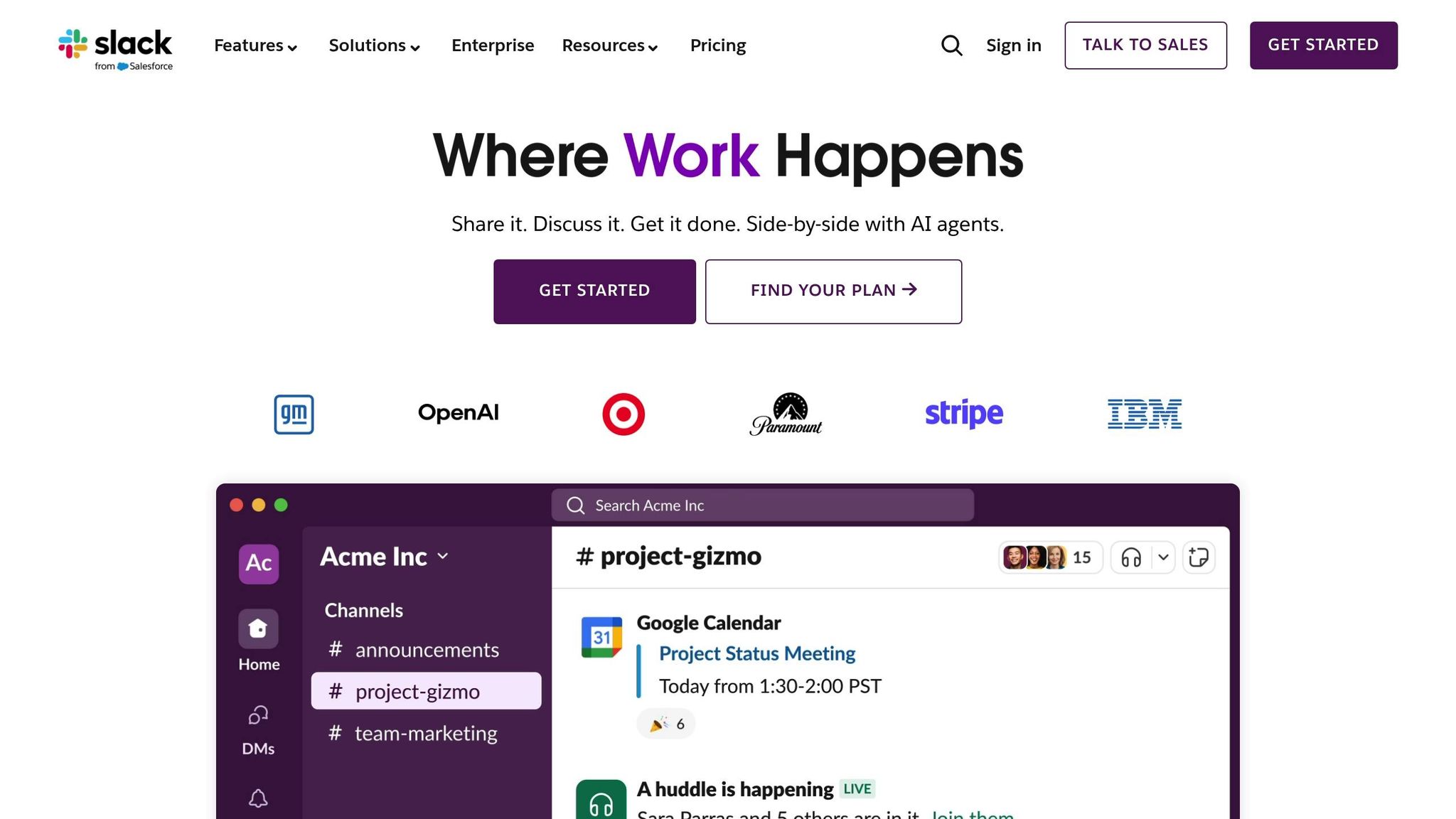
Poor communication can throw a wrench into productivity. Tools like Slack and Microsoft Teams help streamline workplace interactions by organizing conversations, file sharing, and project updates in one central hub. These platforms channel everything through dedicated spaces, allowing team members to stay informed and respond when it suits their workflow.
One of their standout features is the ability to create topic-specific channels. This keeps discussions focused and easily searchable. For example, a marketing team can brainstorm campaigns in one channel, while developers troubleshoot issues in another – all without cluttering inboxes. This setup encourages faster decisions and smoother workflows, echoing earlier strategies for reducing distractions and enhancing focus.
Time-Saving Potential
These tools save time by cutting down on lengthy email threads. Instant messaging allows for quick responses, while advanced search features make it easy to locate past conversations, files, or decisions without wading through endless emails. Threaded discussions keep related topics organized, so new team members can quickly get up to speed without needing extensive explanations.
Seamless Integration with Existing Tools
Slack and Microsoft Teams work well with other apps you’re already using. They integrate with platforms like Google Drive, Dropbox, Trello, and Asana, creating a streamlined workspace where information flows effortlessly. Notifications for updates or tasks appear directly in the interface. Microsoft Teams is particularly useful for organizations that rely on Office 365, while Slack offers flexibility with its wide range of third-party integrations, making it ideal for teams using mixed tools.
Affordable Options for Teams
When it comes to cost, these tools are a smart investment in productivity. Many small teams can start with free plans that include essential features like unlimited messaging, basic integrations, and file sharing. Slack’s free plan covers these basics, while Microsoft Teams is bundled with Office 365 subscriptions. Even the paid plans – starting at about $6–8 per user per month – can prove worthwhile when you factor in the time saved and the improved communication they bring.
Boosting Productivity and Reducing Stress
Centralized communication also helps reduce mental strain. Features like status indicators make it clear when colleagues are available, busy, or in focus mode, helping to minimize interruptions. Tools to mute notifications during deep work sessions further support work-life balance, allowing team members to catch up on discussions when it’s most convenient for them. This thoughtful approach to communication fosters a healthier, more productive work environment.
sbb-itb-7c1dd7e
7. Organize Tasks with Management Apps like Todoist or Trello
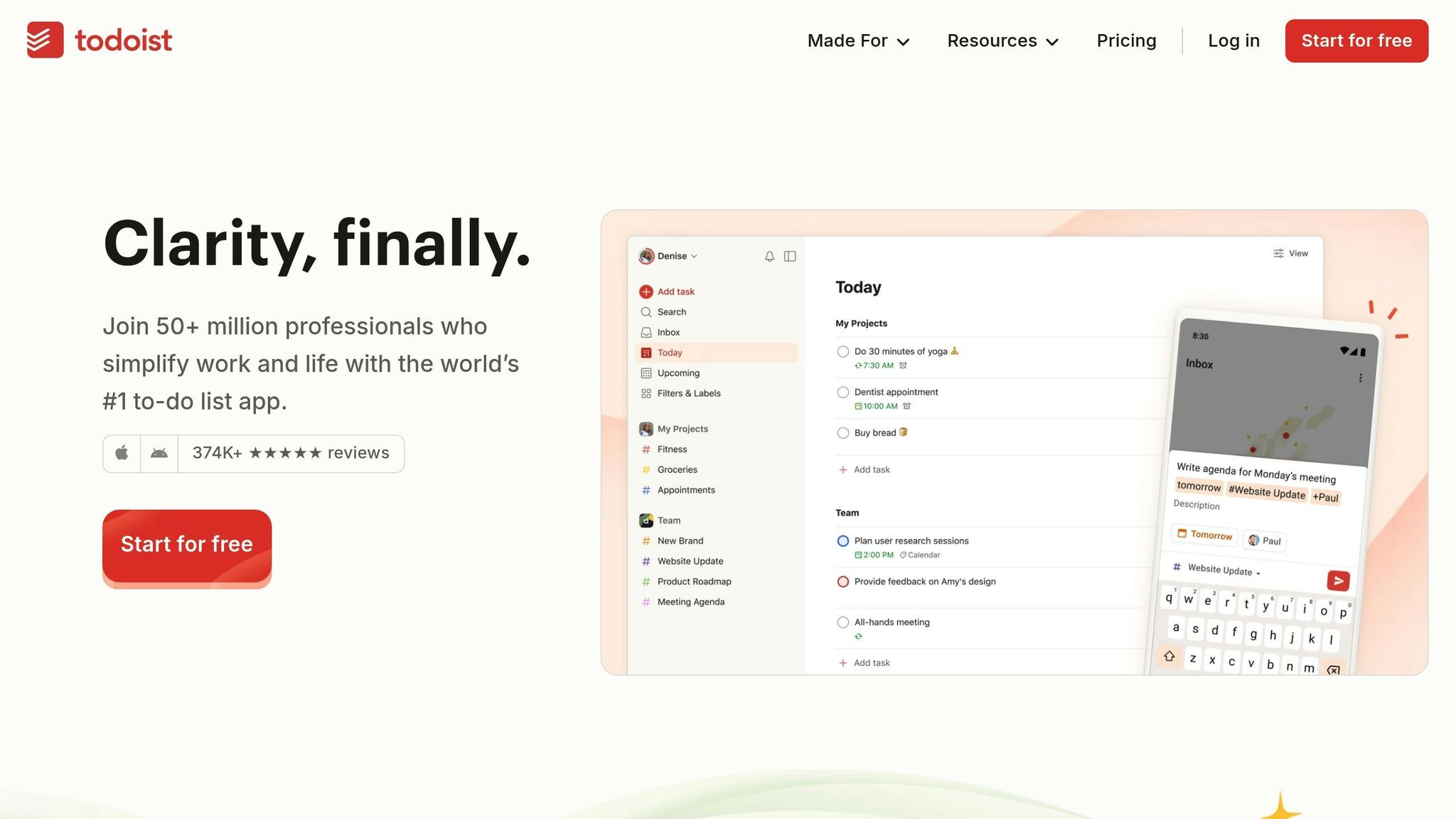
Task management apps can turn chaotic to-do lists into streamlined workflows. Tools like Todoist and Trello are popular choices for entrepreneurs looking to stay on top of their responsibilities. Todoist provides a clean, list-based system for breaking projects into manageable steps, while Trello uses a visual board format that makes it easy to track progress at a glance.
Both apps work well with other productivity tools, helping you stay organized and focused. Whether you prefer structured lists or a more visual approach, these tools can help you prioritize tasks and reduce mental clutter, making your day flow much smoother. Pick the one that aligns best with your workflow and team needs.
8. Schedule Dedicated ‘Think Time’ for Innovation
Building on the concepts of calendar blocking and task batching, setting aside dedicated think time is a powerful way to prioritize strategic planning and creativity. With meetings and urgent tasks constantly vying for attention, it’s easy to lose sight of the big-picture thinking that drives innovation. By carving out uninterrupted time for brainstorming and problem-solving, you can focus on ideas that often get buried in the chaos of daily responsibilities.
The trick is to treat this time as you would any critical meeting – block it on your calendar and make it non-negotiable. Many successful entrepreneurs reserve their most productive hours for this purpose, whether it’s early in the morning or later in the day. Use this time to tackle big questions: What new opportunities are on the horizon? How can persistent challenges be approached differently? What ideas could give you an edge in your industry?
Time-Saving Potential
Dedicated think time can save you from costly mistakes and inefficient solutions by encouraging better planning upfront. When you regularly step back to evaluate your strategies, you’re more likely to catch potential issues before they escalate into major problems. These sessions can also uncover opportunities to automate tasks or streamline processes, saving hours of work in the future.
Even setting aside just two hours a week for strategic thinking can drastically reduce the need for crisis meetings or last-minute course corrections. Many entrepreneurs find that this habit not only saves time but also brings clarity to their overall decision-making process.
Easy Integration into Your Routine
Start small – try 30-minute sessions twice a week – and expand as needed. Schedule these blocks during your peak energy times when your mind is sharpest. To stay focused, minimize distractions by turning off notifications or even switching to pen and paper if it helps.
You can also tie think time to existing habits. For instance, some people use the quiet moments after their morning coffee, while others prefer Friday afternoons to reflect on the week and plan for the next. The key is finding a time slot that aligns with your natural rhythms and existing schedule, making it easier to stick with this practice.
Cost-Effective Strategy
Think time doesn’t require fancy tools or expensive services – just your commitment. By giving yourself the space to think strategically, you can avoid costly errors and make more informed decisions. Often, these sessions lead to simple, effective solutions that reduce the need for additional resources or tools.
Boosting Productivity and Mental Well-Being
Setting aside think time not only enhances productivity but also clears mental clutter. When you take the time to process challenges and opportunities in a calm, focused setting, you’ll find yourself approaching daily tasks with greater clarity and confidence. This results in quicker decision-making and less stress throughout the week.
Additionally, think time helps you reconnect with your broader goals and vision. Instead of feeling bogged down by an endless to-do list, you’ll gain a renewed sense of purpose, seeing how your efforts contribute to meaningful outcomes. This perspective can significantly improve both your job satisfaction and overall productivity. Protecting your think time ensures that your approach to work remains not just efficient, but also forward-focused and rewarding.
9. Organize Information with Digital Note-Taking Tools like Notion or Evernote
Managing large amounts of meeting notes, project details, and research can quickly become overwhelming. That’s where digital note-taking tools like Notion and Evernote come in handy. They help transform scattered information into clear, organized, and actionable content.
Save Time with AI-Powered Summaries
Notion takes things a step further by using AI to summarize meeting notes into key takeaways. This means you can quickly focus on the most important points without having to sift through pages of notes after fast-paced discussions.
Smooth Integration with Other Tools
Notion also integrates seamlessly with platforms like Zapier, allowing notes to be transferred automatically. This eliminates the need for manual data entry and ensures your team stays updated in real time. It’s a simple way to cut down on repetitive tasks while keeping workflows efficient.
Boost Productivity
By automating routine tasks and providing quick access to summarized information, tools like Notion and Evernote help you stay on top of important details. They simplify managing information, so you can focus your energy on what really matters.
While Notion’s advanced features stand out, Evernote remains a strong alternative, offering reliable options for organizing and managing your notes effectively.
10. Track and Adjust Workflows with Analytics Tools like RescueTime or Clockify
If you want to figure out where your time is slipping away, tools like RescueTime and Clockify can give you the answers. These analytics tools provide detailed insights into how you spend your day, helping you identify inefficiencies and fine-tune your daily workflow. For instance, RescueTime breaks down your activities into detailed reports, showing exactly where your time is going. The process is simple: pick a tracker, log your activities, categorize them, and then adjust your habits based on the data. Regularly reviewing this information is key to staying on top of your productivity and eliminating those sneaky time leaks.
Time-Saving Potential
These tools can uncover surprising time drains. For example, one entrepreneur discovered they were losing more than two hours each day to unplanned tasks. Armed with this knowledge, they reorganized their schedule to focus on deep work and strategic priorities.
"Keep a time log or use tools like RescueTime or Toggl to see how long it takes you to complete tasks or empty your inbox." – John Rampton, Entrepreneur, Investor, and Founder of Calendar
Such insights help you better estimate how long tasks really take and adjust your time allocation accordingly. The result? Improved efficiency and a more balanced way of working.
Impact on Productivity and Mental Well-Being
Understanding how you spend your time doesn’t just make you more productive – it can also improve your mental well-being. By restructuring your schedule to prioritize focused work and personal time, you can reduce stress and gain clarity. Breaking your activities into categories like work, hobbies, and relationships allows you to spot patterns and make meaningful changes. With consistent adjustments based on objective data, you can ensure your time is spent on what truly matters, leading to better productivity and a healthier work-life balance.
Tool Comparison Table
Choose the right productivity tools to make your work more efficient. Below is a handy comparison of some top tools to help you streamline your workflow.
| Tool Category | Tool Name | Features | Pricing | Platform Compatibility | Best For |
|---|---|---|---|---|---|
| Automation | Zapier | Connects with numerous apps; supports multi-step workflows and conditional logic | Free plan available; paid plans offered | Web, iOS, Android | Automating complex tasks |
| Automation | IFTTT | Simple trigger-action setup; integrates with various services | Free plan available; paid options offered | Web, iOS, Android | Basic automation needs |
| Task Management | Todoist | Natural language input; project templates; progress tracking | Free plan available; premium features offered | Web, iOS, Android, Windows, Mac | Personal task management |
| Task Management | Trello | Visual Kanban boards; customizable cards; team collaboration | Free plan available; scalable for teams | Web, iOS, Android, Windows, Mac | Visual project planning |
| Communication | Slack | Channels for organization, file sharing, and app integrations | Free plan available; tiered pricing options | Web, iOS, Android, Windows, Mac, Linux | Team communication |
| Communication | Microsoft Teams | Video calls; integrates with Office 365; file collaboration | Free basic plan; affordable paid plans | Web, iOS, Android, Windows, Mac | Enterprise collaboration |
| Note-Taking | Notion | Customizable databases; templates for various needs; all-in-one workspace | Free for personal use; premium options offered | Web, iOS, Android, Windows, Mac | Flexible organization |
| Note-Taking | Evernote | Web clipping; document scanning; advanced search tools | Free plan available; premium features offered | Web, iOS, Android, Windows, Mac | Research and documentation |
| Time Tracking | RescueTime | Automatic tracking; detailed productivity insights | Free basic plan; premium options available | Windows, Mac, Android, Linux | Productivity analysis |
| Time Tracking | Clockify | Manual tracking; project management tools; team reporting | Free plan available; paid plans offered | Web, iOS, Android, Windows, Mac, Linux | Tracking project hours |
| Virtual Assistants | Upwork | Freelancer marketplace; work management tools with payment protection | Free to post; service fees apply | Web, iOS, Android | Hiring professional services |
| Virtual Assistants | Fiverr | Fixed-price services; seller ratings; quick turnaround | Free to browse; service fees apply | Web, iOS, Android | Fast task completion |
This table highlights essential features to help you compare and decide on tools that meet your specific needs. For automation, Zapier handles complex workflows, while IFTTT is perfect for simpler tasks. Trello offers a visual approach to project management, and Todoist is great for text-based task lists. When it comes to communication, Slack is ideal for tech-savvy teams, while Microsoft Teams works seamlessly with Office 365. For organizing notes, Notion provides flexibility, and Evernote excels at research and documentation. Productivity tracking tools like RescueTime and Clockify help monitor time effectively. Lastly, platforms like Upwork and Fiverr make it easy to find freelance support for various tasks. Use this guide to align tools with your goals and workflow.
Conclusion
These tech hacks aren’t just about boosting productivity – they’re about working smarter and making life a little easier. By adopting strategies like grouping similar tasks, automating repetitive workflows, and applying the 80/20 rule, you can save valuable hours and cut down on mental exhaustion.
When combined, these techniques create a powerful system. Pairing time-blocking with task management apps and virtual assistants can help you stay on top of your workload around the clock. The result? Less stress, more control, and better-quality work because you’re no longer overwhelmed by competing priorities.
To get started, ease into these methods step by step. Focus on one or two strategies that address your biggest challenges. For example, if you’re buried in routine tasks, tools like Zapier or IFTTT can automate those for you. If communication overload is your main issue, platforms like Slack or Microsoft Teams – when set up with clear channels – can help streamline the chaos. It’s all about experimenting to find what works best for your unique needs.
Always remember, technology is here to help, not complicate things. Pick tools that genuinely fit your workflow rather than chasing the latest trends or feature-packed options. The goal is to integrate these strategies smoothly into your routine, keeping your work focused and balanced.
The effort you put in now will pay off in the long run. Learning new tools and building efficient workflows might take time, but it leads to reduced stress, sharper focus, and the confidence to tackle bigger challenges down the road. Your future self will thank you.
FAQs
What tasks should I automate with tools like Zapier or IFTTT?
When considering tasks that are ideal for automation using tools like Zapier or IFTTT, look for activities that are repetitive, follow a regular schedule, or involve moving data between applications. These tasks often take up a lot of time but don’t demand any creative input, making them excellent candidates for automation.
Some examples include sending out email reminders, syncing data across different apps, or organizing files. Automating these processes can save you valuable time, allowing you to concentrate on work that truly needs your skills and attention.
How can I apply the 80/20 rule to my daily workflow to improve productivity?
The 80/20 rule, also known as the Pareto Principle, is all about zeroing in on the 20% of tasks that deliver 80% of your results. The idea is simple: identify the activities that make the biggest impact and give them top priority in your day. Meanwhile, less critical tasks can be delegated, postponed, or minimized to make room for what truly drives progress.
To make this part of your daily routine, take a close look at your to-do list and sort tasks based on their potential impact. Tackle the high-value ones first. Tools like task management apps can help you stay on track and organized. By focusing your energy where it counts, you’ll not only work more efficiently but also reduce the risk of burnout, ensuring your efforts lead to meaningful results.
How can I delegate tasks to virtual assistants on Fiverr or Upwork effectively while ensuring high-quality results?
To delegate tasks successfully while keeping quality intact, begin by setting clear expectations. Share detailed instructions and, whenever possible, include examples to make sure your assistant fully understands what’s needed. For tasks that come up repeatedly, create straightforward step-by-step guides or Standard Operating Procedures (SOPs) to streamline the process.
Leverage project management tools to keep everything organized and monitor progress. Regular communication is key – offer feedback and promptly address any questions that arise. With clear communication and well-structured workflows, you’ll save time and ensure tasks meet your standards.