
Remote work can be challenging without the right tools. Disorganized tasks, missed messages, and blurred work-life boundaries are common issues. But with the right technology, remote workers can boost productivity by up to 40%. Here’s a quick breakdown of tools to help you stay organized, communicate effectively, and track your time:
- Project Management:
- Trello: Visual Kanban boards for simple task tracking. Free for small teams; paid plans start at $5/user/month.
- Asana: Advanced task tracking with multiple views and automation. Free for up to 10 users; paid plans start at $10.99/user/month.
- Communication:
- Time Tracking:
Quick Tip: Combine tools like Trello, Slack, and Toggl to create an integrated system that minimizes wasted time and boosts efficiency. Focus on tools that solve your specific challenges, and prioritize integration to streamline workflows.
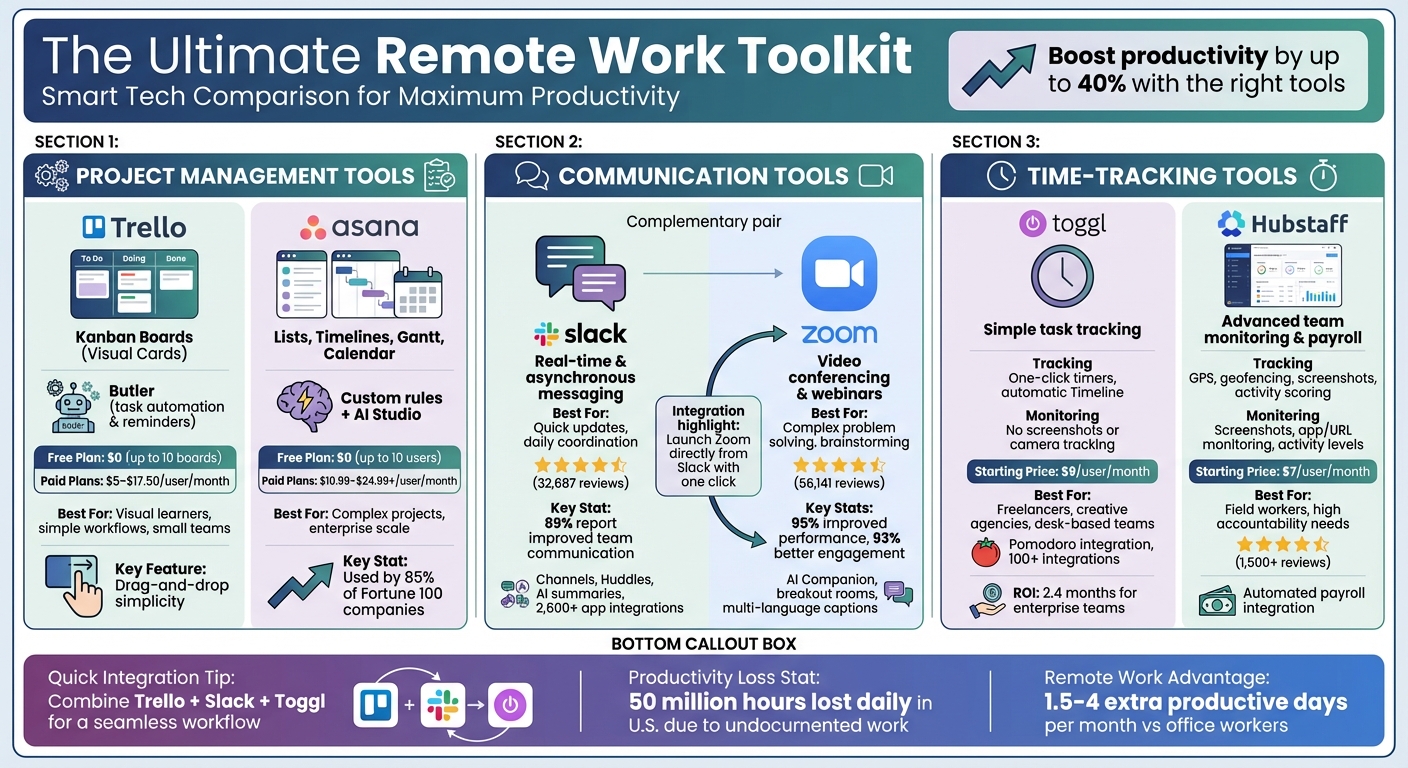
Remote Work Tools Comparison: Project Management, Communication & Time Tracking
TOP 10 Tools for Remote Work. Stay Productive Working from Home
Project Management Tools
For remote teams spread across different time zones, staying aligned without constant meetings can be a challenge. That’s where project management tools come in. These platforms act as a central hub for organizing tasks, setting deadlines, and tracking progress. By consolidating information in one place, they eliminate the chaos of endless email threads and make it clear who’s responsible for what.
These tools don’t just organize tasks – they’re essential for keeping remote teams productive. They allow team members to update their progress and flag obstacles asynchronously, removing the need for everyone to be online at the same time. As Atlassian puts it, “Project collaboration: it’s the energy that binds a team together so that it rises toward a goal and navigates the ups and downs (and sideways) as one”.
Let’s take a closer look at two leading platforms that showcase how centralized tools can enhance remote work.
Trello: Kanban Boards for Visual Task Management
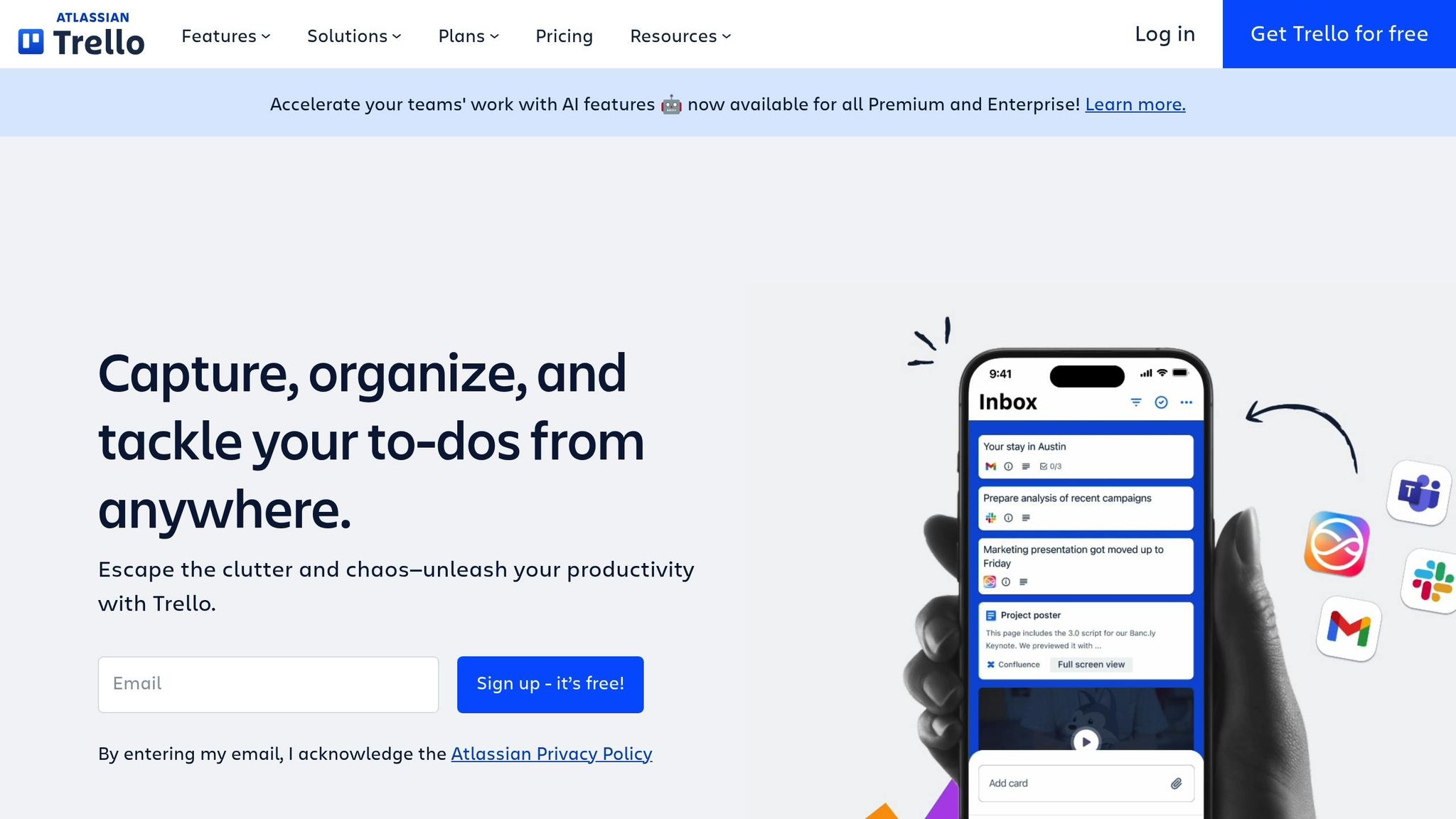
Trello is a favorite for teams that thrive on visual organization. It uses a Kanban-style system with boards, lists, and cards that make workflows easy to follow. For example, you can move a card from "To Do" to "In Progress" to "Done", and the entire team sees the update in real time. This simplicity makes it perfect for straightforward, visually-driven projects.
Trello also offers automation through its Butler tool, which takes care of repetitive tasks. You can set up rules like, “When a card is moved to ‘Complete,’ send a Slack notification to the team channel,” or “Every Monday at 9:00 AM, create a new card for weekly reporting.” Custom Fields allow you to add extra details – like project costs or priority levels – making it more than just a basic task tracker.
For small teams or solo entrepreneurs, Trello’s free plan (up to 10 boards) is a great starting point. If you need more features, paid plans start at $5 per user per month for the Standard plan and $10 per user per month for Premium.
Asana: Comprehensive Task Tracking for Teams
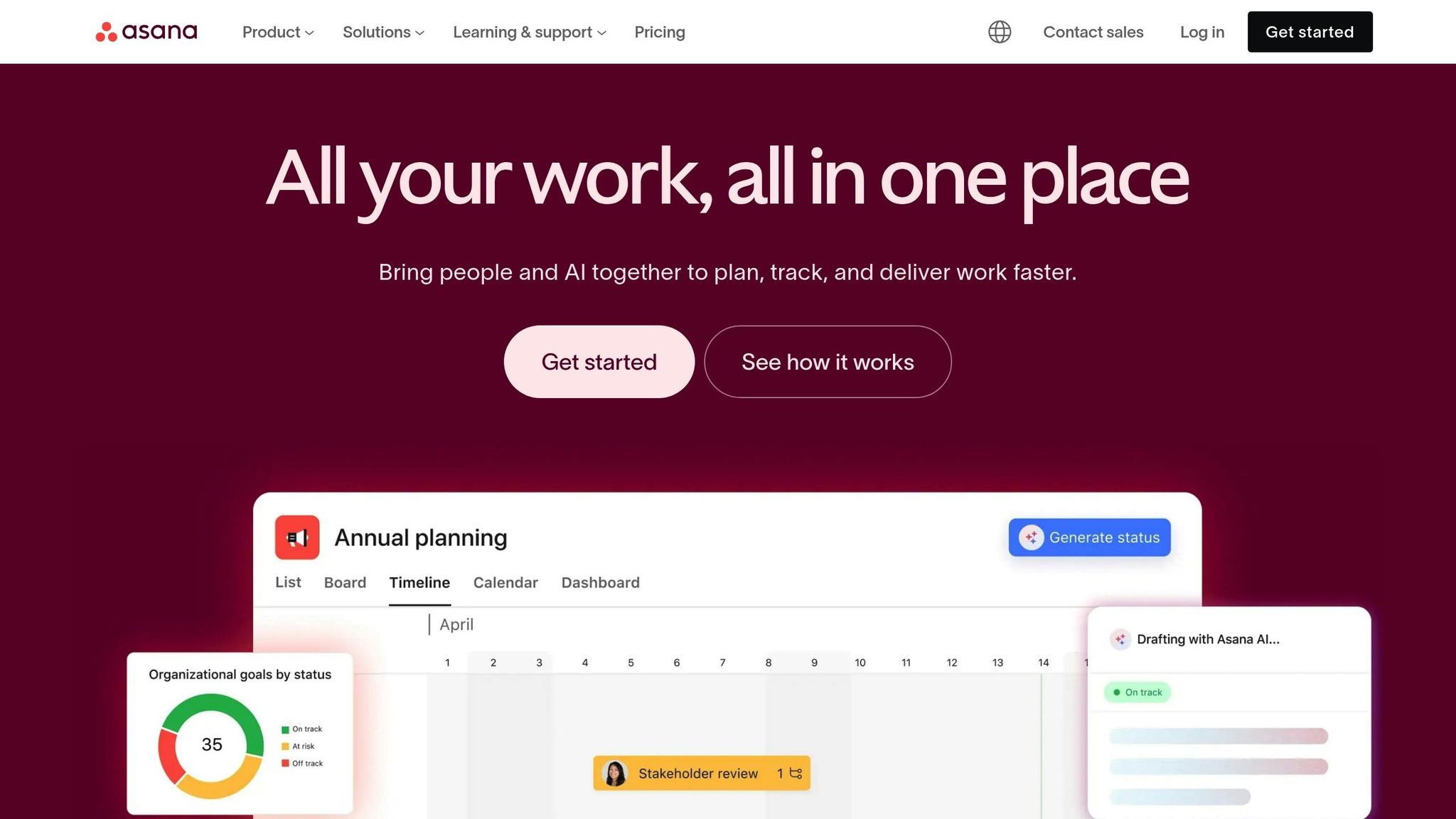
Asana takes a more structured approach to managing projects. Unlike Trello’s focus on visual boards, Asana offers multiple views – like List, Timeline, Gantt, and Calendar – making it ideal for handling complex projects with many moving parts.
Accountability is a strong suit for Asana. You can assign tasks with clear due dates, set dependencies (so tasks only start when earlier ones are completed), and use @mentions to keep everyone informed. Custom rules help automate workflows, and the recently introduced AI Studio (October 2024) allows teams to create custom AI agents for automating intricate processes.
Asana’s reach is impressive – 85% of Fortune 100 companies use it, and it reported $724 million in revenue for fiscal year 2025. With over 131,000 customers as of September 2022 – including 18,000 spending more than $5,000 annually – it’s built to handle large-scale operations. The free Personal plan works well for individuals, while paid plans start at $10.99 per user per month.
Comparison Table: Project Management Tool Comparison
| Feature | Trello | Asana |
|---|---|---|
| Primary View | Kanban Boards (Visual Cards) | Task Lists, Timelines, Boards, Gantt, Calendar |
| Automation | Butler (task automation & reminders) | Custom rules and AI Studio for advanced workflows |
| Key Capabilities | Checklists, due dates, Custom Fields, drag-and-drop | Dependencies, milestones, workload tracking, goal alignment |
| Integrations | Slack, Google Drive, Dropbox, and more | Over 100 integrations (Slack, Zoom, Google Workspace, etc.) |
| Free Plan | $0 (up to 10 boards) | $0 (up to 10 users) |
| Paid Plans (USD) | $5–$17.50 per user/month | $10.99–$24.99+ per user/month |
| Best For | Visual learners, simple workflows, small teams | Complex projects, goal-oriented teams, enterprise scale |
| Remote Suitability | High for asynchronous, visual task tracking | High for accountability and cross-functional collaboration |
If your team values a visual, straightforward system, Trello is an excellent choice. On the other hand, if you’re managing intricate projects with dependencies and need advanced automation, Asana is better suited for your needs. Both tools integrate with popular communication and storage platforms like Slack and Google Drive, making them versatile additions to any workflow.
Communication Tools for Remote Teams
When managing a remote team, keeping everyone on the same page requires more than just email. While project management tools help organize tasks, effective communication platforms are essential for fostering collaboration across different locations. These tools not only facilitate instant conversations but also support asynchronous updates, reducing confusion and unnecessary meetings. Below, we explore how Slack and Zoom work together to create a well-rounded communication system.
Slack: Real-Time Messaging for Teams
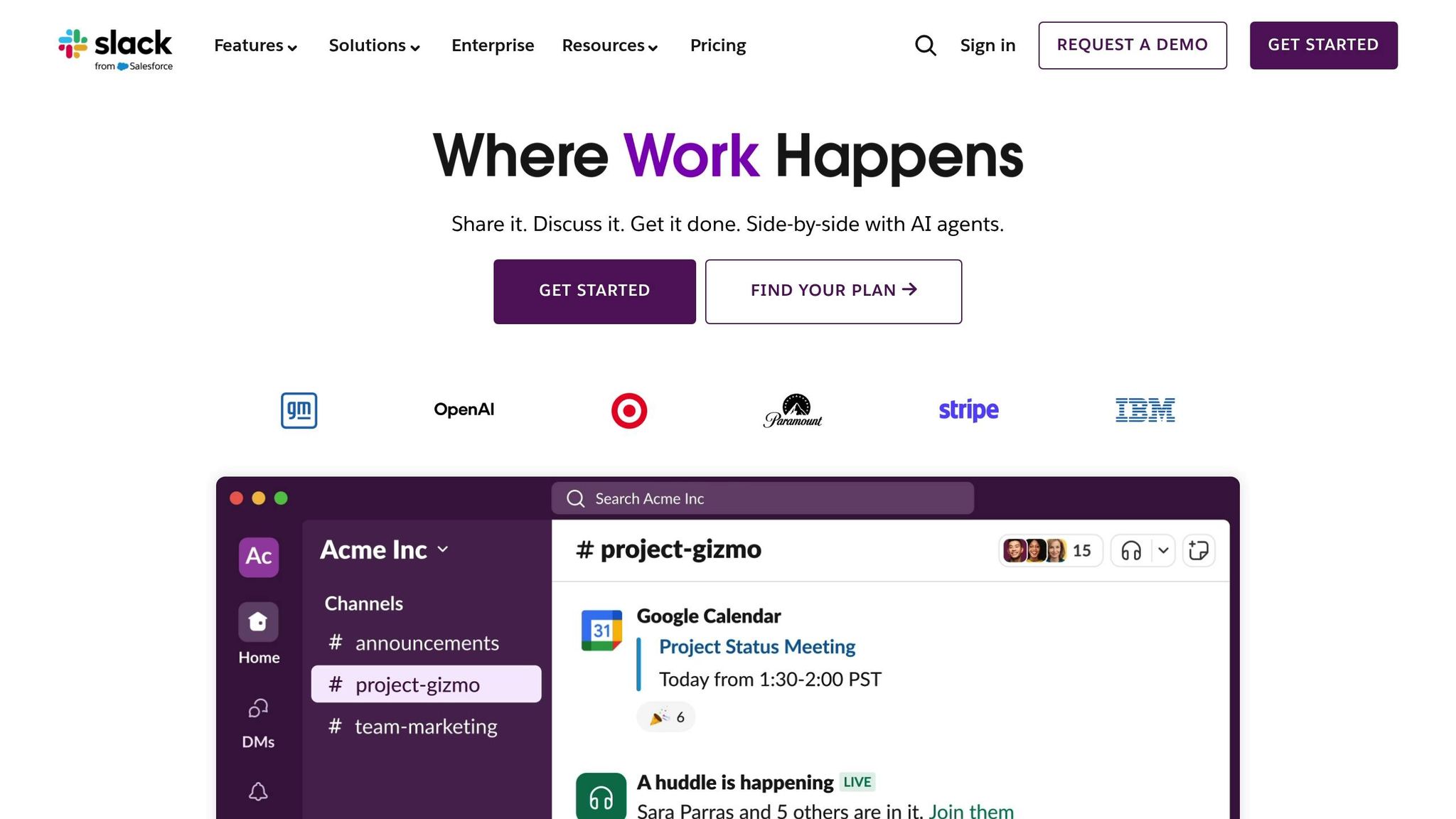
Slack is perfect for organizing conversations into project-specific channels, making it easy to locate past discussions, shared files, or updates without sifting through a cluttered inbox. This structure ensures everyone stays informed without the need for constant check-ins.
For quick, informal chats, Slack’s Huddles provide a lightweight alternative to video calls, simulating those spontaneous office moments. Additionally, Slack Connect allows secure collaboration with external partners or clients.
Slack’s AI features, like thread summaries and recaps, help team members catch up quickly. With a 4.5/5 star rating on G2 from 32,687 reviews, 89% of users report improved team communication through the platform.
To make the most of Slack, establish clear status guidelines and use dedicated channels for casual interactions – this can help combat the isolation often felt in remote work settings.
Next, let’s see how Zoom complements Slack by offering high-quality video conferencing for in-depth discussions.
Zoom: Video Conferencing for Remote Meetings
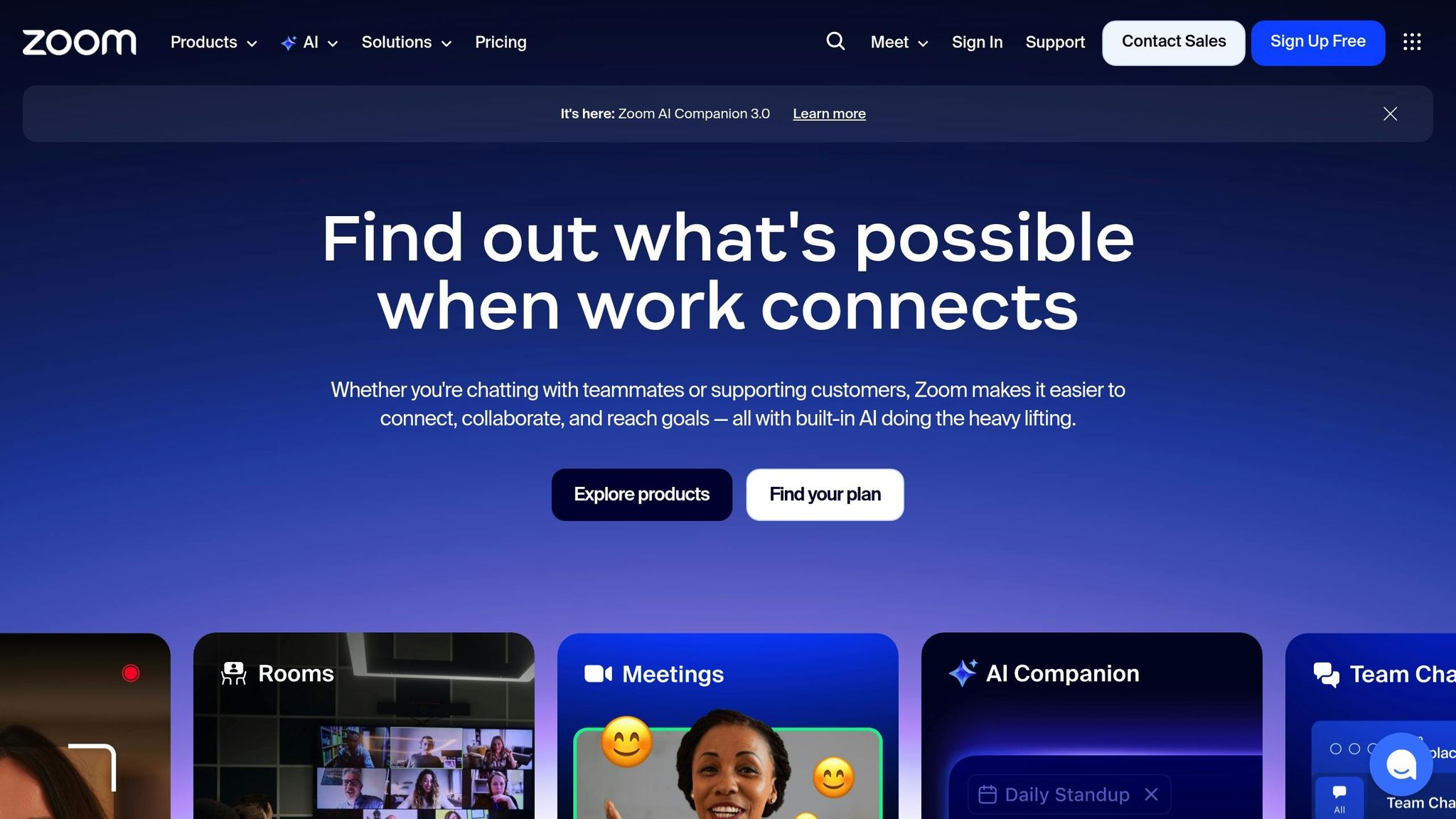
While Slack handles day-to-day coordination, some discussions require the clarity of face-to-face interaction. That’s where Zoom shines. Its high-quality video and audio, paired with advanced noise suppression, minimize distractions so teams can focus on the conversation.
Zoom’s AI Companion enhances productivity by automating tasks like meeting notes, summaries, and action item tracking, allowing participants to stay engaged. Features like screen annotations, in-meeting document editing, and breakout rooms make real-time collaboration seamless. For globally distributed teams, multi-language captions and translations bridge language barriers, while meeting-specific chat channels keep context intact before, during, and after meetings.
Zoom’s impact is clear: 95% of customers who switched to Zoom reported improved performance, and 93% noted better engagement. The platform holds a 4.5/5 star rating on G2 from 56,141 reviews.
To optimize your Zoom experience, take advantage of shortcuts and recording tools for easier participation and follow-ups.
The Power of Slack and Zoom Together
The integration between Slack and Zoom brings these tools together effortlessly. With just one click, you can launch a Zoom meeting directly from a Slack channel, combining Slack’s real-time messaging with Zoom’s face-to-face interaction capabilities. Together, they form a complete communication system: Slack for quick updates and coordination, and Zoom for deeper, more nuanced conversations.
| Feature | Slack (Messaging) | Zoom (Video) |
|---|---|---|
| Primary Function | Real-time and asynchronous text communication | Real-time video conferencing and webinars |
| Best For | Quick updates, file sharing, and daily coordination | Complex problem solving and brainstorming |
| Key Workflow Tip | Use channels to organize work by project or team | Use breakout rooms for small group discussions |
| Integration Benefit | Centralizes notifications from 2,600+ apps | Can be launched directly from Slack via command |
| G2 Rating | 4.5/5 (32,687 reviews) | 4.5/5 (56,141 reviews) |
sbb-itb-7c1dd7e
Time-Tracking Apps for Better Productivity
Once you’ve nailed down task planning and team communication, the next step is keeping track of time. In the world of remote work, where flexibility reigns, accountability can sometimes slip through the cracks. Without the usual office structure, it’s easy to lose track of hours. This is where time-tracking apps come in – they help you understand your work habits, stay accountable, and ensure accurate compensation. For context, the U.S. economy reportedly loses about 50 million hours of productivity daily due to undocumented work tasks. These tools encourage mindful work, reduce distractions during focus-heavy tasks, and provide managers with data to fine-tune resource use and identify training gaps. They’re a great way to quantify productivity and pinpoint areas for improvement in your remote work strategy.
Let’s take a closer look at two popular options: Toggl, designed for straightforward time tracking, and Hubstaff, which offers advanced features for team management and payroll.
Toggl: Simple Time Management
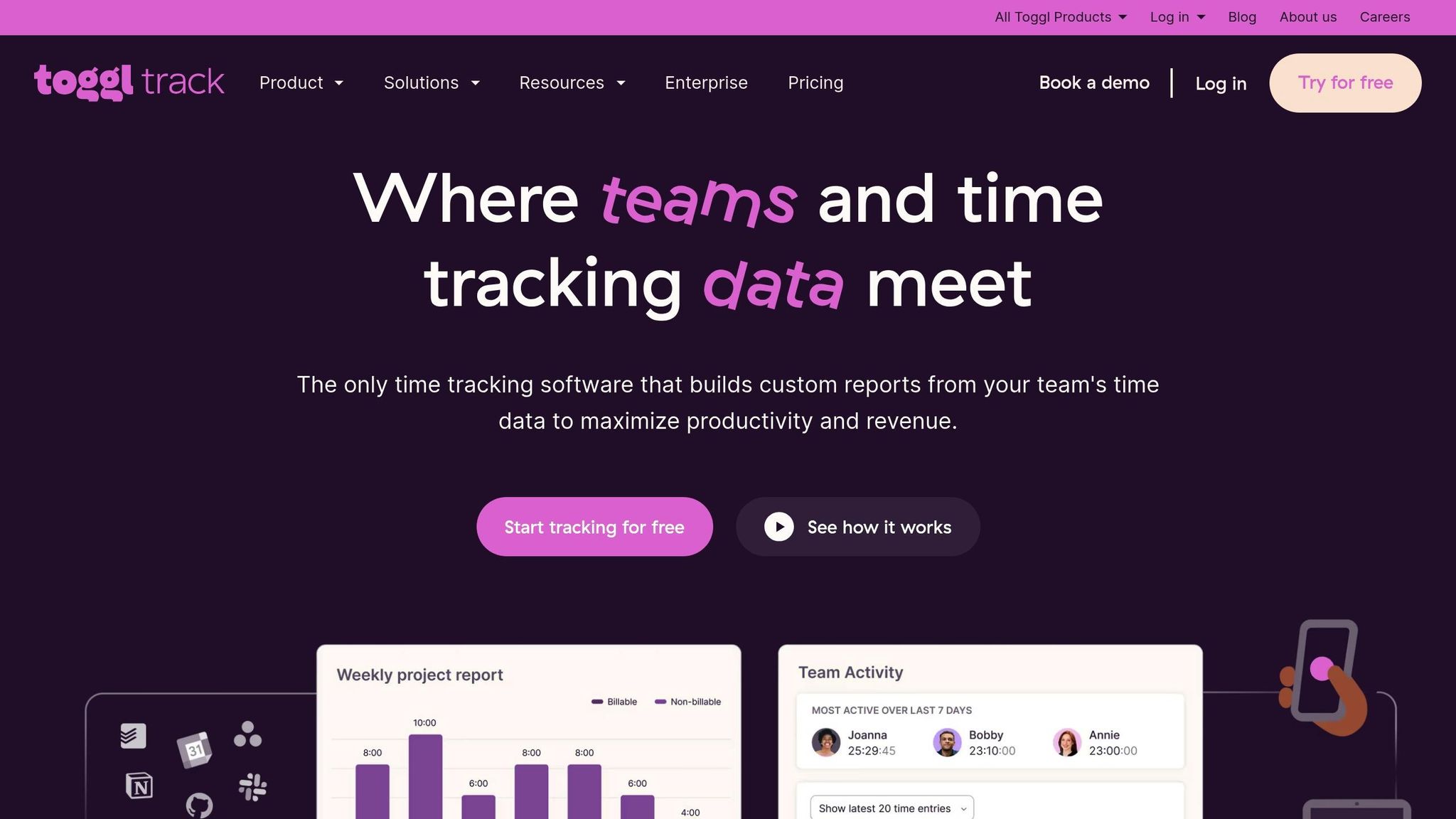
Toggl makes time tracking easy with a single-click timer, but it doesn’t stop there. Its Timeline feature automatically logs any app you use for more than 10 seconds, so you can reconstruct your day even if you forget to hit "start". The interface is simple, so you don’t need much time to figure it out.
Unlike some tools, Toggl steers clear of intrusive features like screenshots or camera tracking. It even integrates the Pomodoro technique, encouraging focused work sessions with regular breaks. Plus, with over 100 integrations, you can connect Toggl with tools like Asana, Trello, and QuickBooks to keep everything in sync.
In 2024, the agency Sweat+Co used Toggl to identify where they were over-servicing clients. By tweaking their approach based on this data, they boosted profitability by 20%. Enterprise teams using Toggl have reported a return on investment in just 2.4 months.
Toggl offers a free plan for up to 5 users. Paid plans start at $9 per user/month (billed annually) for the Starter plan and $18 per user/month for Premium.
Hubstaff: Advanced Team Tracking Features

Hubstaff is the go-to tool for teams that need more accountability, especially mobile or field-based ones. It includes features like GPS tracking, geofencing, optional screenshots, and mouse/keyboard activity monitoring. These elements work together to generate productivity scores and flag any attempts to game the system.
Geofencing is particularly handy for mobile teams, as it automatically clocks employees in when they arrive at a job site and out when they leave [37,39]. Hubstaff also excels at payroll automation, sending logged hours directly to payment systems like PayPal, Wise, or Deel – goodbye, manual timesheet errors. To top it off, real-time budget alerts help keep projects on track.
Solomon Thimothy used Hubstaff to cut costs by 11% by eliminating wasted tasks. Ross Crawford, another user, said, “Without Hubstaff, I wouldn’t be confident in running a remote business,” noting his team saved 4% in check-in time.
Many users report productivity boosts of 10% to 25% after adopting Hubstaff, and the platform has a stellar 4.6/5 star rating from over 1,500 reviews. Pricing starts at $7 per user/month for the Starter plan, with additional tiers like Grow at $9, Team at $12, and Enterprise at $25 per user/month (billed annually).
Comparison Table: Choosing Your Time-Tracking App
| Feature | Toggl | Hubstaff |
|---|---|---|
| Primary Focus | Simple task tracking | Advanced team monitoring & payroll |
| Tracking Methods | One-click timers, calendar view, background tracking | GPS, geofencing, screenshots, activity scoring |
| Monitoring | No screenshots or camera tracking | Includes screenshots, app/URL monitoring, mouse/keyboard activity |
| Key Benefits | Pomodoro integration, 100+ integrations, automatic Timeline feature | Automated payroll, idle alerts, budget limits, geofencing |
| Starting Price | $9/user/month (Starter, billed annually) | $7/user/month (Starter) |
| Best For | Freelancers, creative agencies, desk-based teams | Teams with field workers or high accountability needs |
| G2 Recognition | "Best Estimated ROI" and "Grid Leader" for Enterprise | 4.6/5 stars from 1,500 reviews |
When deciding between these tools, think about what works best for your team. Toggl is perfect for environments that value trust and self-management, while Hubstaff is an excellent choice for distributed teams that need clear proof of work, especially those with mobile employees or a need for automated payroll.
Work-Life Balance Resources from Work Smart, Not Hard
Using the right apps can make work smoother, but keeping your energy levels steady and staying connected to others are just as important.
Remote work requires more than just great tools – it also calls for balanced energy and focus. That’s where Work Smart, Not Hard steps in, offering guides on mental health, time management, and productivity. These resources are tailored for tech entrepreneurs who want to avoid burnout while maintaining high-quality work.
The philosophy is straightforward: managing your energy is more effective than rigidly managing your time. The guides help you figure out when you’re most alert so you can schedule your most demanding tasks during those peak periods. Did you know remote workers often achieve between 1.5 and 4 extra days of productivity each month compared to their office-based counterparts? That’s a significant edge.
One essential tip is setting clear boundaries to avoid falling into the “always-on” trap. The guides suggest practical steps like using Slack statuses or shared calendars to communicate your availability. Short, focused work sessions are another strategy to keep your mental clarity intact. And if you’re feeling a bit isolated in your home office, tools like background noise apps can help create a more engaging environment.
Interestingly, remote workers are 13% more likely than office workers to say they’ll stay in their current role for the next five years. To nurture that sense of connection, Work Smart, Not Hard encourages virtual social activities. Casual video coffee chats, for example, can help recreate the camaraderie of an office setting.
The resources also include advice on conducting time audits to cut out distractions and tips for leaders on modeling healthy habits, like logging off at reasonable hours. These strategies align with the fact that 90% of remote workers report feeling more productive outside the traditional office environment. By incorporating these approaches, you can enhance your remote work experience without compromising your well-being or performance.
Conclusion: Building Your Remote Work Toolkit
Creating a remote work toolkit isn’t about grabbing every shiny app on the market – it’s about finding tools that work well together to tackle your specific challenges. Imagine combining Trello’s visual boards, Slack’s messaging, and Toggl’s time tracking. Together, they form a centralized hub that minimizes constant context switching and keeps things running smoothly.
But here’s the catch: employees lose about an hour each day searching for scattered data. That’s why integration is a game-changer. When Toggl syncs with Trello, and Slack keeps your team’s conversations organized, you’re not just streamlining workflows – you’re also cutting down on mental fatigue.
Amanda Day from Remote.com puts it perfectly:
"When oceans separate your team, the right tools become their lifeline." – Amanda Day, Remote.com
Tools like Trello and Asana bring clarity and transparency without the need to micromanage. Meanwhile, communication platforms like Slack and Zoom close the gaps that 86% of employees say hurt productivity. And let’s not forget time-tracking tools – they provide the accountability and insights needed to maintain boundaries, which is crucial when 54% of office workers say flexibility could influence their decision to switch jobs.
The key takeaway? Focus on integration to get the most out of your toolkit. Start by choosing one tool from each category – project management, communication, and time tracking – and master its features before expanding further. After all, 72% of business leaders agree that clear communication directly boosts productivity. Pair these tools with healthy work-life habits, and you’ll set the foundation for long-term remote work success.
FAQs
How can I use Trello, Slack, and Toggl together to improve remote work productivity?
To make remote work more efficient, consider integrating Trello, Slack, and Toggl for seamless task management, communication, and time tracking. Here’s how you can get started:
Enable the Slack Power-Up in Trello to link your Trello boards directly to Slack channels. This way, updates like card movements or comments will automatically appear in the relevant Slack channel, ensuring everyone stays informed without extra effort.
For quick conversations, take advantage of Slack’s huddle feature right from Trello cards. This keeps discussions focused and tied to specific tasks, saving time and avoiding scattered communication.
When it comes to tracking time, connect Toggl to Trello using tools like Zapier or manually link Toggl entries to Trello cards. You can even create a dedicated Slack channel to share Toggl time logs, making it easier for your team to monitor progress and stay aligned with project goals.
By combining Trello for organizing tasks, Slack for team communication, and Toggl for tracking time, you’ll establish a workflow that keeps your projects on track and your team working together effectively.
How do Trello and Asana differ when it comes to project management?
Trello and Asana are both excellent tools for project management, but they serve different purposes depending on your needs. Trello is a straightforward, visually-driven platform that uses Kanban boards. It’s perfect for individuals or smaller teams who want a simple and cost-effective way to organize tasks. On the other hand, Asana offers a wider range of features, including multiple project views (like list, board, timeline, and calendar), workflow automation, and in-depth reporting. These features make Asana a better fit for larger teams or more complex projects.
The main differences lie in customization and automation. Asana comes with a variety of built-in templates, advanced automation options, and robust reporting tools. Trello, however, depends on Power-Ups and add-ons to expand its functionality. If you’re looking for a clean, visual workflow, Trello is a solid pick. But for handling detailed tasks and coordinating team efforts, Asana is the stronger choice.
How can time-tracking tools like Toggl and Hubstaff help remote workers stay productive?
Time-tracking tools like Toggl and Hubstaff are game-changers for remote workers, offering clear insights into how time is spent. They shine a light on inefficiencies, boost accountability, and promote transparency within teams.
By diving into the data these tools provide, you can pinpoint areas to streamline workflows, distribute workloads more evenly, and reduce the risk of burnout. Plus, they help cut down on distractions, ensuring work hours are used wisely. The result? It’s easier to hit both personal and team goals efficiently.