

Want to save time and reduce burnout? These 10 productivity tools are designed to simplify your work, automate repetitive tasks, and improve team collaboration. Whether you’re managing a startup or scaling a business, these tools help you focus on what matters most.
Highlights:
- Work Smart, Not Hard: All-in-one platform for task automation, collaboration, and wellness tracking.
- Asana: Versatile project management with visual tools like Kanban boards and timelines.
- Trello: Simple, card-based task organization for visual thinkers.
- Notion: Combines note-taking, task tracking, and team collaboration in one workspace.
- Zapier: Automates workflows across 6,000+ apps, saving hours of manual work.
- ChatGPT: AI-powered assistant for content creation and communication.
- Fathom AI: Records and summarizes meetings, saving time on documentation.
- Copy.ai: Automates marketing content creation with AI.
- Jasper AI: Creates high-quality, SEO-friendly content tailored to your needs.
- DALL·E: Generates custom visuals from text descriptions.
Quick Tip:
Start with 2-3 tools that address your biggest challenges – whether it’s automating tasks, managing projects, or creating content. Use free trials to test compatibility with your workflow before committing.
My Top 5 Productivity Tools for 2025 to Save Time and Grow Your Business
1. Work Smart, Not Hard
Work Smart, Not Hard is a productivity platform crafted specifically for tech entrepreneurs aiming to simplify and organize their work. It brings together automated task management, team collaboration tools, and project organization into a single, easy-to-use interface. It’s designed with modern entrepreneurship in mind, offering tools to help you focus on what truly matters.
Automation Features
Routine tasks like organizing projects, updating task statuses, and delegating work are handled automatically. By managing these repetitive processes, the platform frees up your time for more strategic and creative work.
Built-In Collaboration Tools
Everything your team needs to collaborate is in one place. From messaging and video conferencing to file sharing, team members can easily access project details, provide feedback, and stay on top of deadlines without juggling multiple tools.
Project Management Made Simple
The platform’s visual dashboard gives you a clear overview of your projects. You can track milestones with flexibility and use built-in resource management tools to balance workloads, ensuring your projects stay on schedule.
Prioritizing Wellness and Balance
To support mental wellness, the platform includes a wellness dashboard that encourages regular breaks and limits after-hours notifications. Stress monitoring and mindfulness resources are also integrated to help you manage workload pressures effectively.
Next, take a look at how Asana simplifies task and project management.
2. Asana
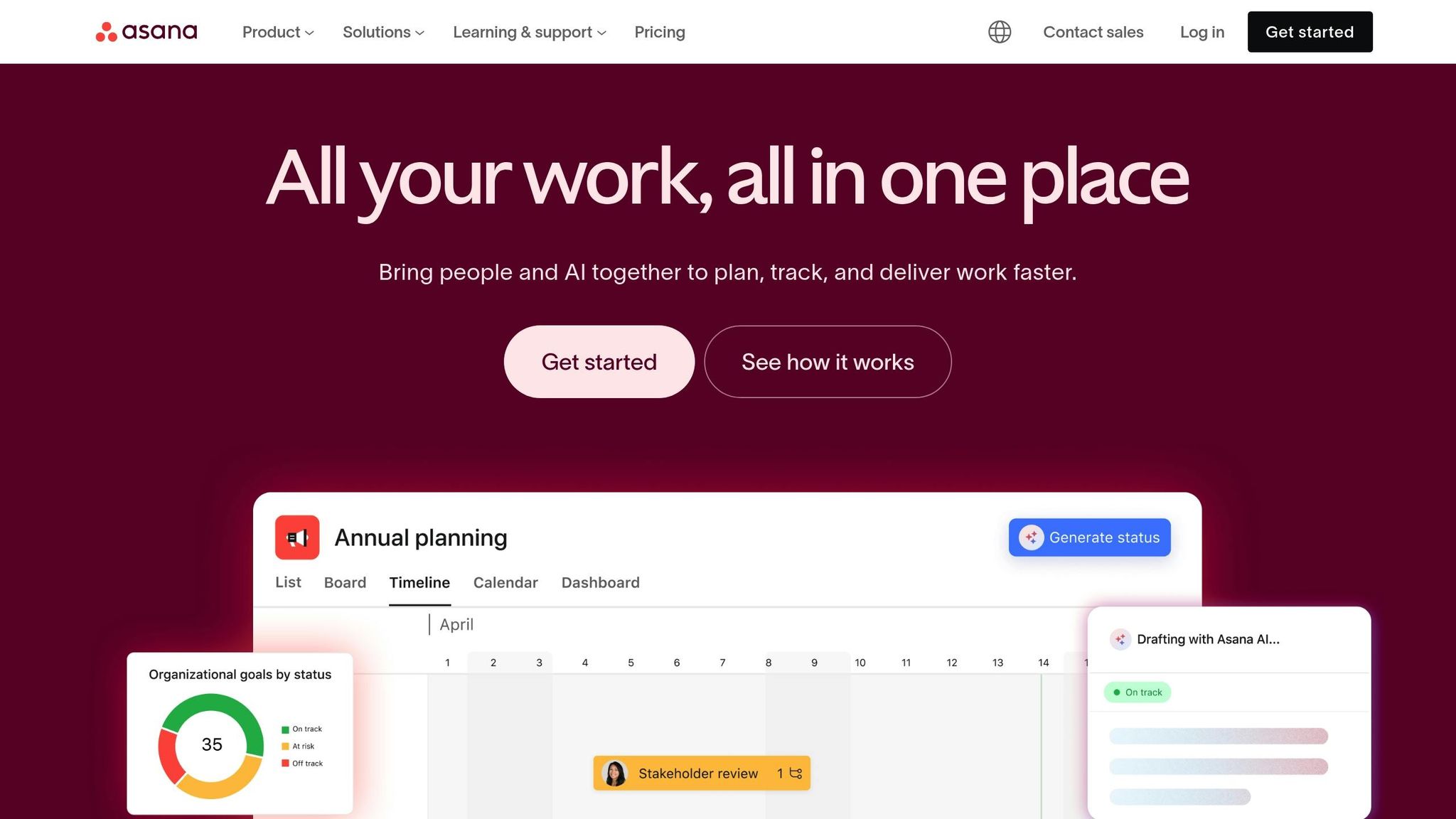
Asana is a versatile platform designed to bring order to even the most chaotic workflows. With a 4.5 out of 5 rating and recognition from PCMag editors, it’s a go-to solution for tech entrepreneurs looking to streamline daily operations. Acting as both a collaborative workspace and a project tracker, Asana is perfect for managing multiple initiatives under one roof.
Project Management Features
What sets Asana apart is its visual adaptability. It offers different ways to view and manage projects: Kanban boards for workflow visualization, traditional lists for detailed task tracking, and timelines for monitoring progress over time. Key features include task tracking, automation, timelines, and reporting tools.
Collaboration and Team Support
Asana shines in fostering team collaboration. It centralizes task sharing, assignments, and real-time feedback, making it easy to keep everyone on the same page. Demir Bentley, co-founder of Lifehack Method and author of Winning the Week, shares his experience:
"I’ve used it to achieve something most entrepreneurs think is impossible: a zero-meeting, zero-email workflow."
This makes Asana particularly valuable for agencies and remote teams juggling multi-client projects.
Automation Capabilities
Asana takes routine tasks off your plate by automating them, allowing teams to focus on more strategic priorities. Its integration with popular apps ensures a smooth onboarding process and compatibility with tools you already use.
Pricing starts at $10.99 per user per month, and there’s also a free tier available. While its feature-rich interface might feel overwhelming to users with simpler needs, Asana delivers reliable solutions to keep projects on track and teams in sync.
Up next, discover how Trello’s card-based system offers a different approach to organizing work.
3. Trello
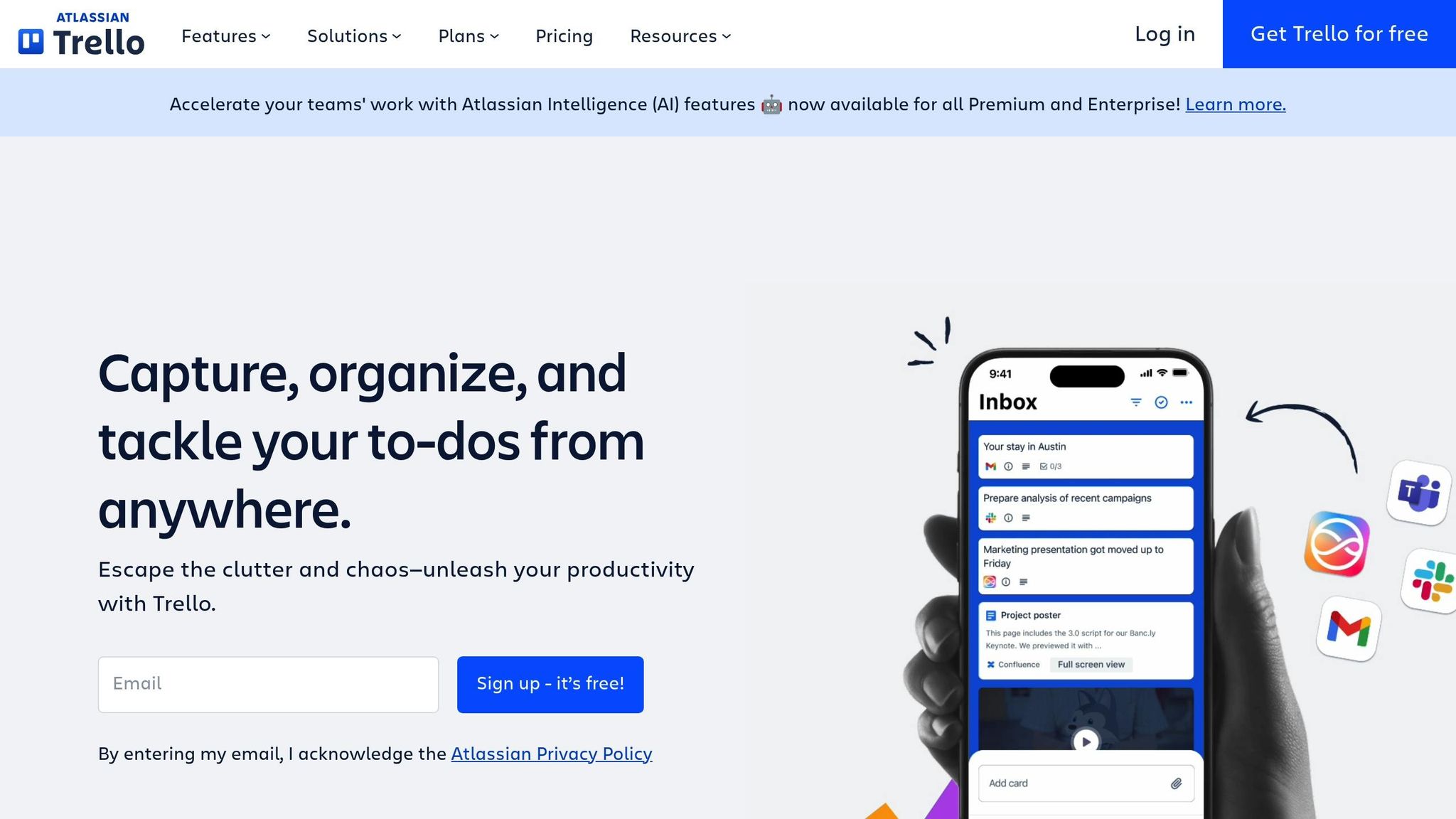
Trello makes project management easier by turning the traditional Kanban board into a digital tool. With a 4.0 rating from PCMag and recognition as "Best for visual project tracking", this web-based platform is a favorite among tech entrepreneurs for its straightforward interface. Its system of boards, lists, and cards offers a clear way to organize tasks and meet deadlines.
Project Management Features
Trello’s strength lies in its simplicity. Each project is represented as a board, divided into columns like "To-Do", "Doing", and "Done." Tasks, shown as cards, move from one column to the next as progress is made. These cards can include descriptions, assigned team members, and due dates, giving everyone a clear view of who’s responsible for what.
This visual approach allows teams to see their entire workflow at a glance. Whether tracking a product launch or managing a content calendar, Trello’s customizable boards, lists, and cards adapt to fit specific team needs.
Automation Capabilities
Trello’s automation tool, "Butler", takes care of repetitive tasks. It can move cards, assign team members, or send reminders based on custom rules. Another handy feature is "card aging", which visually marks inactive tasks, prompting teams to revisit them before they slow down progress. These tools help keep projects on track without adding extra workload.
Collaboration and Team Support
Trello is especially useful for teams working remotely. Its simple interface and minimal learning curve mean that everyone – from developers to marketers – can quickly get on board. The platform’s visual design ensures that project updates are easy to understand, no matter the user’s role.
Trello offers a free basic plan, with paid options starting at $5 per user per month when billed annually. A 14-day free trial is also available.
Next, explore how Notion combines note-taking and project management for more streamlined workflows.
4. Notion
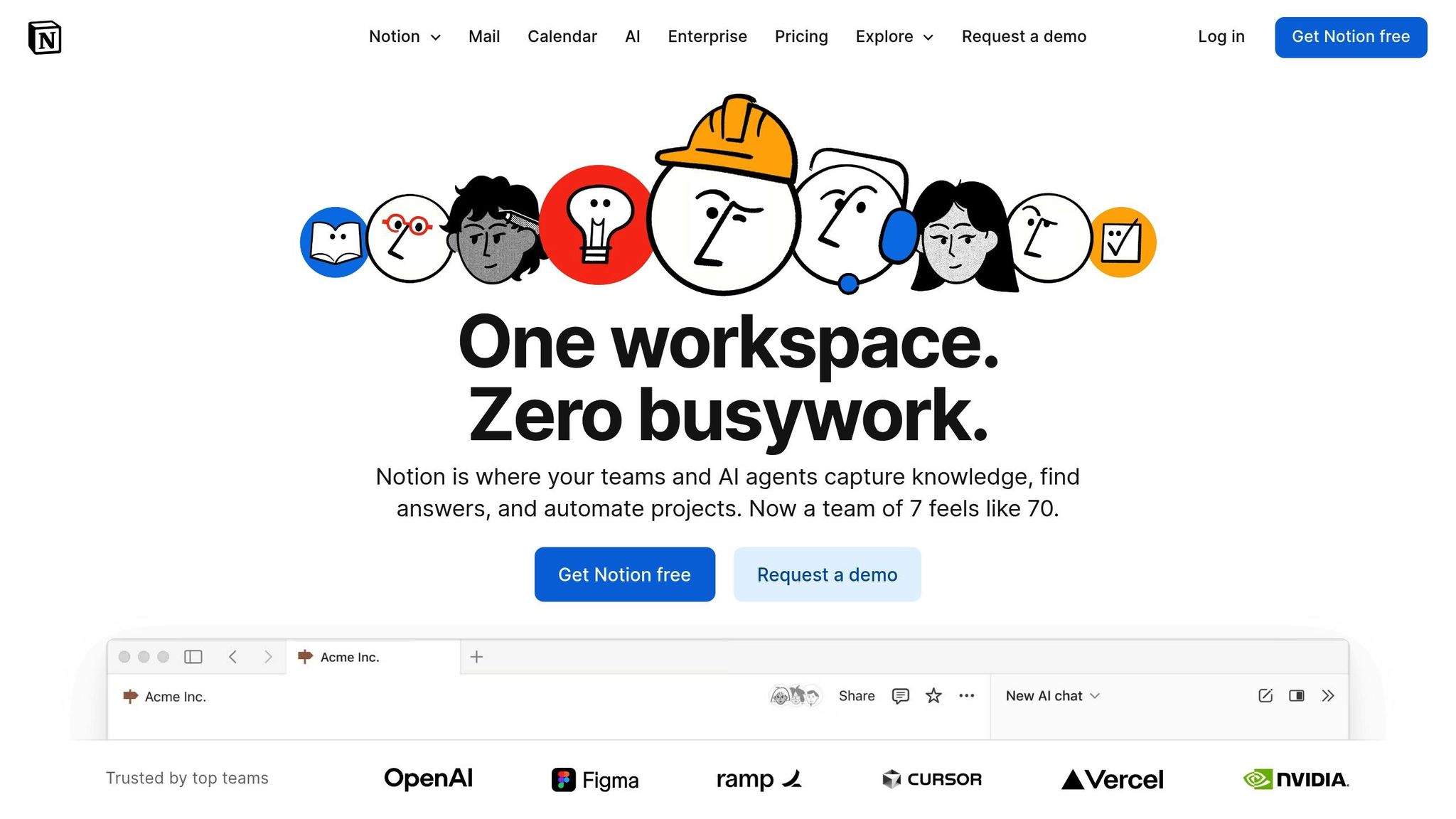
Notion is a versatile tool that combines note-taking, databases, project management, and collaboration into one seamless workspace. Its block-based structure makes it easy to organize everything from documentation to tasks and team communications in one place. This reduces the hassle of switching between apps and keeps workflows running smoothly. Here’s how Notion can elevate project management for tech entrepreneurs.
Project Management Features
Notion’s database functionality is a game-changer for organizing tasks. You can create custom properties like status, priority, assignee, and due dates, and then choose how to view your data – whether as a Kanban board, calendar, or table.
Pre-built templates for roadmaps, sprints, and client management save time during setup. Plus, built-in formulas and relational properties allow you to calculate progress or link related tasks effortlessly.
With filtering and sorting options, project managers can quickly pinpoint high-priority or overdue tasks. Customizable views ensure that your team always has the most relevant information at their fingertips, making collaboration smoother and more efficient.
Collaboration and Team Support
Notion makes teamwork seamless with real-time collaboration features. Team members can edit documents together, while inline comments keep discussions focused and contextual.
Permission settings offer a balance between security and transparency. Team leaders can assign different access levels, from full editing rights to view-only roles, ensuring sensitive information stays protected. Need to share updates with external stakeholders? Guest access makes it easy to loop them in without exposing the entire workspace.
The mention system (@username) is another standout feature, notifying team members when their input is needed. It cuts down on endless email chains and keeps conversations directly tied to the relevant tasks or documents.
Automation Capabilities
Notion’s database formulas – like rollups and relations – help automate repetitive tasks, such as linking related items or performing calculations. Integrations with tools like Zapier take automation a step further, enabling task creation from emails, syncing calendars, and updating statuses automatically. Recurring templates simplify routine processes, such as weekly reports, meeting notes, or project kickoff checklists.
5. Zapier
Zapier connects your favorite apps, automating tasks through "Zaps" – custom workflows that trigger actions between different software tools. It’s a lifesaver for tech entrepreneurs who want to cut down on manual work without needing any coding skills. Instead of spending hours transferring data between apps or updating spreadsheets, Zapier works quietly in the background, saving you time for more strategic projects. By automating repetitive tasks, it lets you focus on what truly matters.
The platform supports a wide range of apps, from email marketing tools to project management software, enabling smooth workflows across your entire toolset. For entrepreneurs managing packed schedules, Zapier turns tedious manual processes into automated systems that work around the clock.
Automation Capabilities
Zapier’s real strength lies in creating complex, multi-step workflows using conditional logic. This means it can handle everything from lead management to expense tracking and e-commerce processes with ease.
With conditional logic, you can set up workflows that adapt to specific scenarios. For instance, high-value leads can be sent directly to your sales team, while smaller leads are added to automated nurture campaigns. Filters ensure only the right data triggers your workflows, keeping your systems efficient and accurate.
Project Management Features
Zapier also integrates seamlessly into project management workflows, simplifying team collaboration and progress tracking. For example, when a task status is updated in one tool, Zapier can sync those changes to time-tracking software, update client dashboards, and notify stakeholders automatically.
It also makes reporting a breeze. Zapier can gather data from various project tools, format it into a weekly status update, and send it to clients and team members – no manual effort required. Additionally, its integration with time-tracking tools allows for automatic invoice generation. When a project milestone is reached, Zapier calculates billable hours, applies the correct rates, and creates invoices in your accounting software, cutting down on administrative tasks.
Support for Mental Wellness and Work-Life Balance
Zapier isn’t just about work – it helps with maintaining a healthier work-life balance. By automating routine tasks, it reduces the mental load of remembering small details, allowing you to focus on creative and strategic work that feels more rewarding.
The platform also helps set boundaries between work and personal life. For example, it can pause non-urgent notifications during evenings and weekends, ensuring your downtime stays uninterrupted. You can even set up digest emails to receive daily summaries instead of constant alerts, minimizing distractions throughout the day.
Zapier’s automated workflows run 24/7, reducing stress and ensuring nothing important slips through the cracks. Backup workflows can notify team members if a system issue arises, and its error-handling features retry failed automations automatically. Detailed activity logs make troubleshooting quick and easy, so small issues don’t snowball into bigger problems that could disrupt your personal time.
6. ChatGPT
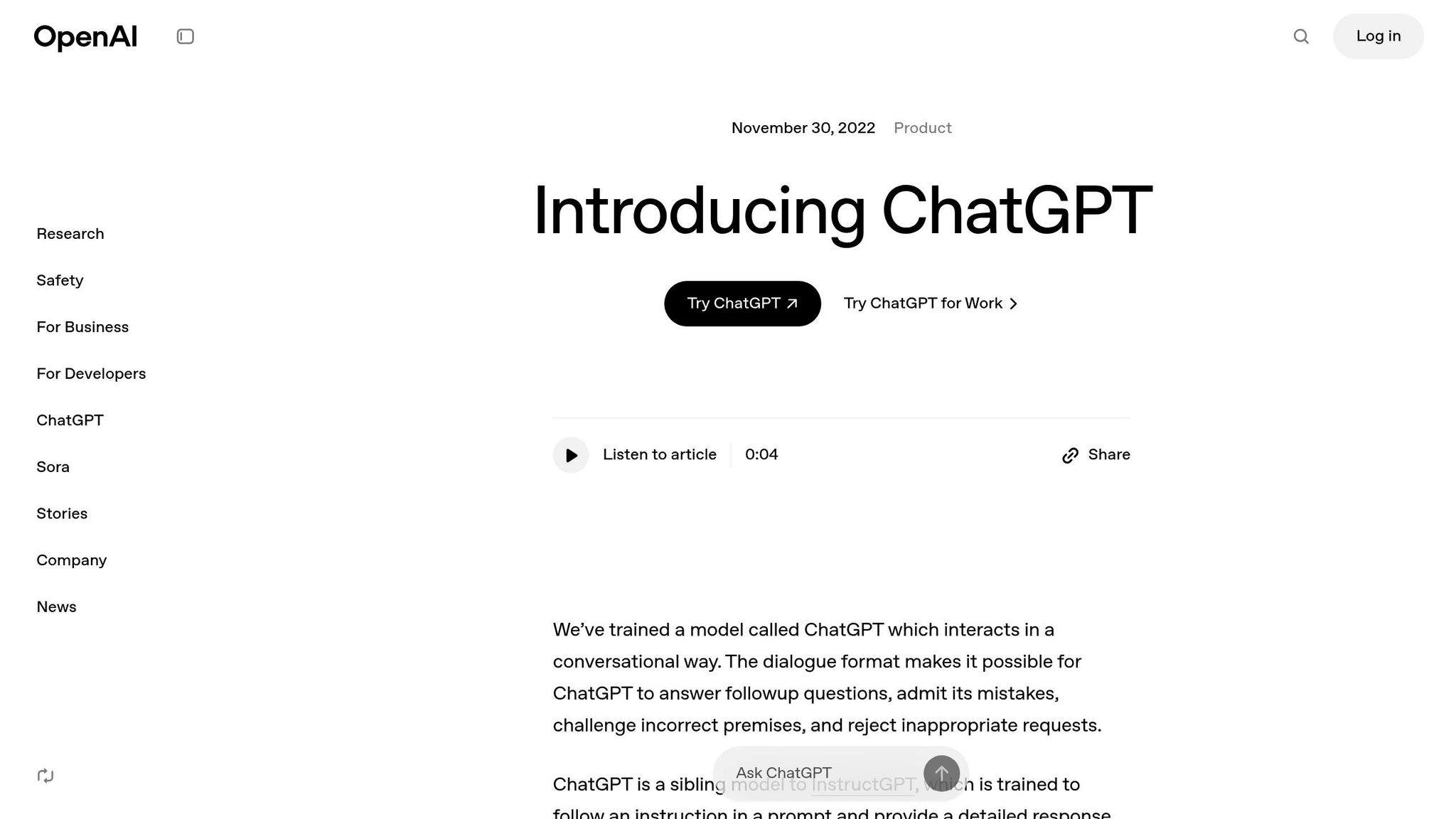
Building on Zapier’s automation strengths, ChatGPT brings a creative twist to tackling communication and content creation challenges. This AI-powered assistant is like having a brainstorming partner, writing helper, and strategic advisor rolled into one. It’s a tool designed to simplify how tech entrepreneurs handle communication, develop content, and refine strategies.
ChatGPT takes the hassle out of routine writing tasks. Whether it’s crafting sales pitches, drafting social media posts, or responding to customer inquiries, this tool delivers polished results quickly. By automating these repetitive tasks, it frees up more time for you to focus on strategic, high-priority work.
Automation Capabilities
ChatGPT shines in automating time-consuming writing tasks that often bog down entrepreneurs. From generating sales copy to drafting email responses with just a few prompts, this tool saves hours of effort. Plus, it integrates seamlessly with other tools, ensuring your workflow remains smooth and efficient.
Supporting Mental Wellness and Work-Life Balance
Constant content creation can be mentally draining, but ChatGPT helps lighten that load. By handling tasks like drafting responses or creating sales pitches, it reduces the mental strain and helps prevent burnout. This allows you to focus on strategic decisions while also carving out time for personal well-being.
With a free version available and premium plans starting at $20 per month, ChatGPT offers an affordable way to boost productivity and focus on what matters most.
sbb-itb-7c1dd7e
7. Fathom AI
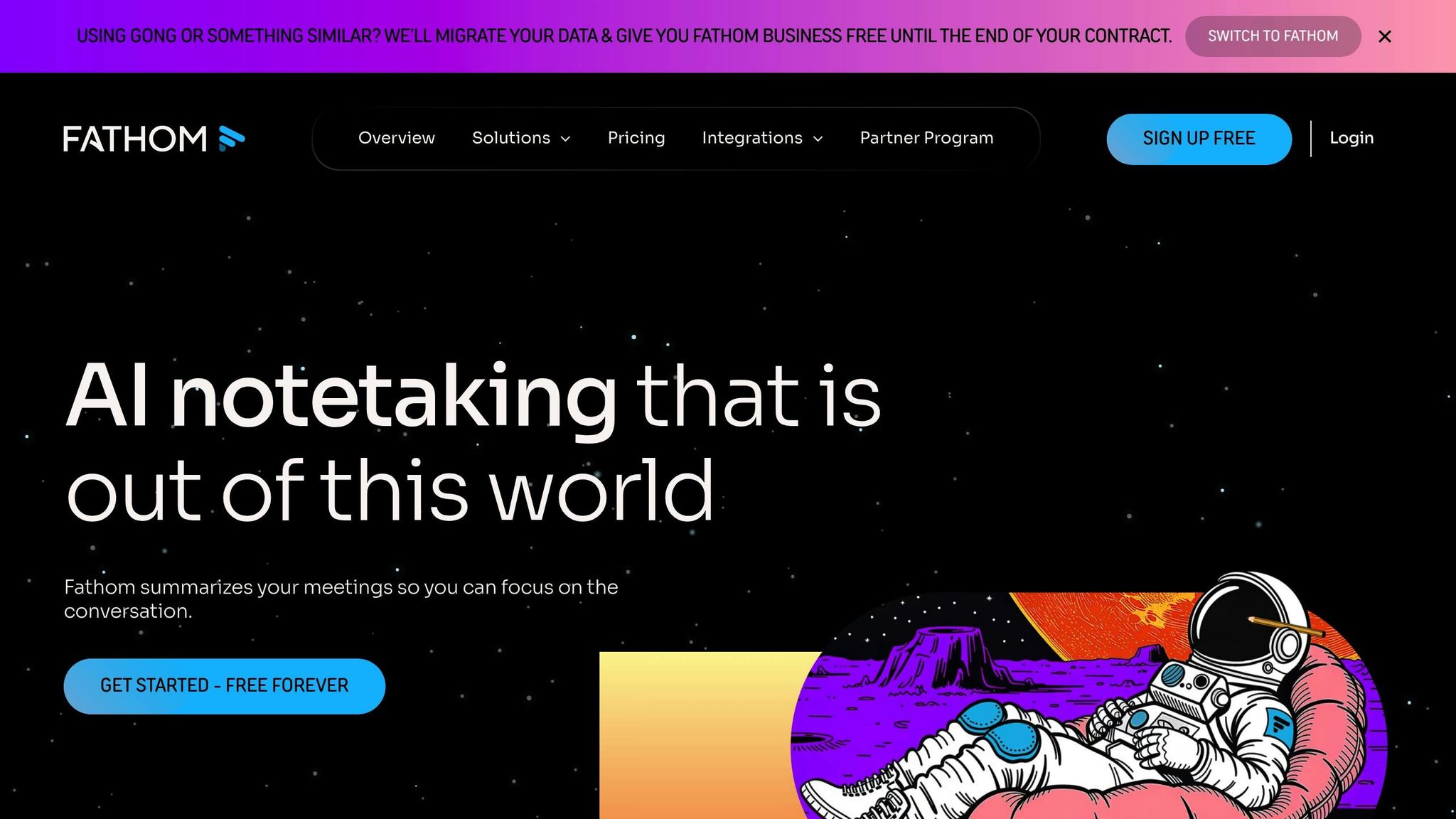
Fathom AI takes the hassle out of one of the most tedious parts of running a business: documenting meetings. This tool uses AI to automatically record, transcribe, and summarize your calls, interviews, and meetings. Instead of scrambling to jot down notes, you can focus entirely on the conversation while Fathom handles the documentation.
It integrates smoothly with popular video conferencing platforms, making it easy to add to your current workflow. Whether you’re catching up with clients, pitching to investors, or holding team meetings, Fathom quietly works in the background to ensure nothing important is missed. This kind of precision sets the foundation for better team collaboration, which we’ll dive into next.
Automation Capabilities
Fathom AI isn’t just about recording – it’s about making your life easier. It automatically creates summaries and highlights key action items. For example, in March 2025, a tech startup reported cutting 40% of the time spent on meeting follow-ups after adopting Fathom’s transcription and summarization features. That freed up their team to focus on strategic efforts instead of drowning in administrative work.
The tool also simplifies follow-ups by organizing meeting details into easy-to-digest summaries, saving you from the headache of replaying hours of recordings.
Collaboration and Team Support
Fathom AI makes teamwork smoother by creating a shared library of meeting insights accessible to everyone. If someone misses a meeting, they can quickly catch up using the automated summaries, ensuring the whole team stays on the same page. This feature helps track commitments and follow through on important tasks, bridging potential communication gaps.
Support for Mental Wellness and Work-Life Balance
Let’s face it – trying to actively participate in meetings while taking notes is draining. Fathom AI lifts that burden, letting you stay engaged in conversations with clients, investors, or colleagues.
"Fathom captures every client call and coaching session. The automatic summaries save me hours of note-taking and ensure nothing important gets lost." – Demir Bentley, Co-founder of Lifehack Method
8. Copy.ai
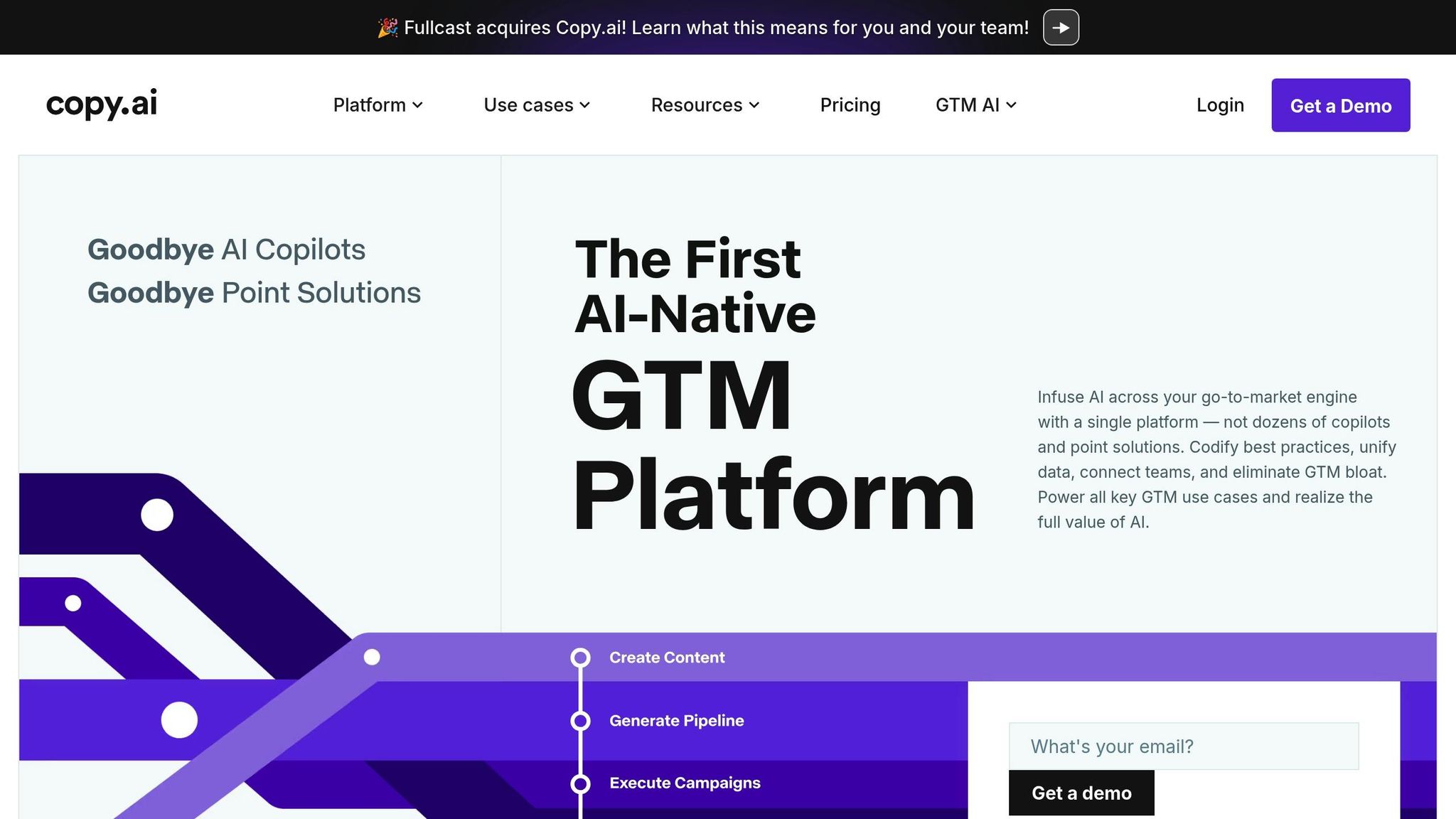
Copy.ai takes the hassle out of content creation, turning what could take weeks into just seconds. Building on ChatGPT’s creative capabilities, Copy.ai pushes efficiency even further with full automation. This AI-powered platform is designed to handle a wide range of marketing needs, from crafting SEO content and thought leadership articles to social media posts and other essential marketing materials. It’s especially effective for creating highly tailored content at scale, making it a go-to tool for Account-Based Marketing strategies.
Automation Capabilities
With its structured Workflows, simple Actions, and autonomous Agents, Copy.ai makes content creation a hands-off process. Once you set it up, the platform takes care of the rest. A prime example? Lenovo managed to save a staggering $16 million by automating their marketing content workflows, eliminating the need for costly agencies and lengthy timelines.
"Copy.ai has been phenomenal in transforming the way we develop marketing content. By automating workflows that would typically take weeks and cost thousands of dollars through agencies, they’ve saved us $16 million dollars this year alone."
- Roman Olney, Head of Global Digital Experience @ Lenovo
With over 2,000 integrations and a model-agnostic approach to large language models (LLMs), Copy.ai works seamlessly with the tools you already use.
Collaboration and Team Support
Copy.ai simplifies the content creation process for marketing teams. Instead of waiting weeks for drafts or juggling external agencies, teams can produce and refine materials in seconds. This speed is especially crucial for Account-Based Marketing campaigns, where quick customization is key.
Productivity Gains
By reducing manual tasks, Copy.ai helps marketing teams work smarter, not harder. For instance, Juniper Networks reported a fivefold increase in meetings thanks to Copy.ai’s personalized, AI-driven strategy.
"Thanks to Copy.ai, we’re generating 5x more meetings with our personalized, AI-powered GTM strategy."
- Jean English, Former Chief Marketing Officer @ Juniper Networks
These kinds of results demonstrate how automated content creation can supercharge marketing efforts, freeing up teams to focus on strategic goals and big-picture planning.
9. Jasper AI
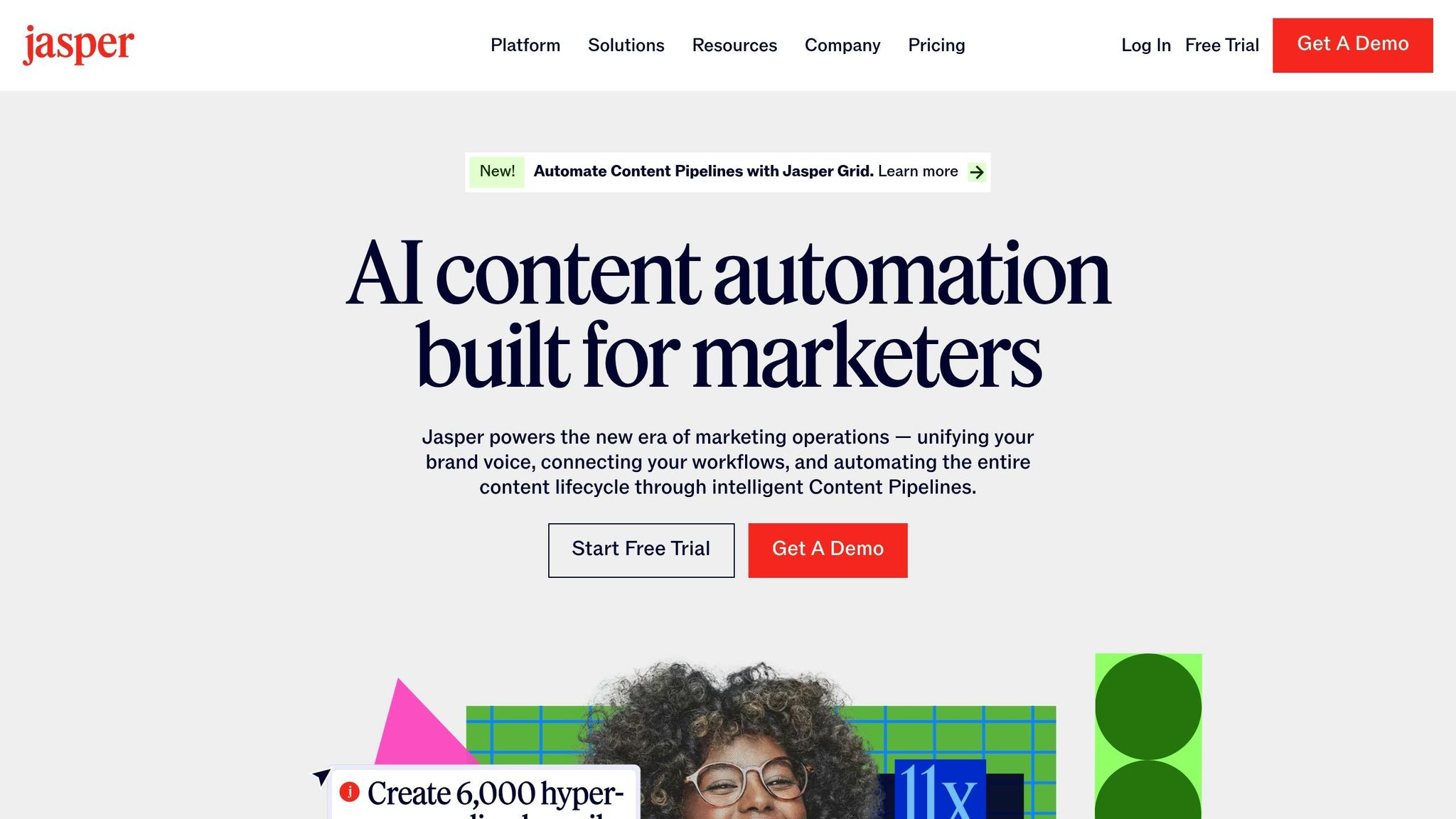
Jasper AI is a tool designed to create various types of content, including blog posts, email campaigns, and social media updates. It’s especially useful for tech entrepreneurs who need high-quality content generated quickly. With its ability to understand context and adjust tone, Jasper allows users to input prompts, choose a preferred style or voice, and receive content tailored to their specifications. Whether you’re aiming for SEO-friendly blog articles, attention-grabbing social media posts, or polished email campaigns, Jasper adapts to meet your needs.
Automation Capabilities
One of Jasper AI’s standout features is its ability to automate content creation workflows. It offers a wide range of pre-built templates, making it easier to tackle the dreaded blank page. Jasper can also pull in data from online sources, ensuring that the content includes up-to-date statistics and trends, which keeps it relevant and timely.
Beyond text, the platform can even generate images, making it a versatile solution for a variety of content creation tasks.
"This AI copywriting tool generates blog posts, email campaigns and social media content. It’s for entrepreneurs who need high-quality content but lack the time to write it themselves." – KCSourceLink
Collaboration and Team Support
Jasper AI also shines when it comes to teamwork. By integrating with Zapier, it can seamlessly fit into multi-step workflows. For example, you can set up a process where Jasper drafts content, sends it to team members for review through tools like Slack or project management apps, and then uploads the finalized content directly to a content management system. This approach allows teams to focus on refining strategy and quality while automating much of the production process.
Up next, see how DALL·E can take your creative assets to the next level and simplify your content workflow even further.
10. DALL·E
DALL·E, developed by OpenAI, is an AI-powered image generator that transforms text prompts into high-quality visuals. For tech entrepreneurs managing countless tasks, this tool simplifies the creative process, cutting out the need to scour stock photo libraries or wait on custom designs. The latest version, DALL·E 3, has earned a reputation as one of the leading AI image generators in the market.
By analyzing detailed text descriptions, DALL·E generates images that match your vision, delivering professional-grade visuals without requiring advanced design expertise. It’s a smart way to integrate creative automation into your workflow.
Automation Capabilities
DALL·E streamlines what used to be a time-consuming, manual process. Instead of spending hours searching for the perfect image or briefing a designer, you can simply describe what you need in plain language. The tool then produces polished visuals automatically, freeing you up to concentrate on more strategic aspects of your business.
"Generative AI creates text, images, and even code. It powers AI writers, design tools, and other creative applications that help teams generate content quickly. By leveraging deep learning, generative AI can produce high-quality visuals, marketing copy, and software code with minimal human intervention." – Webex Blog
Up next, check out our comparison chart for a quick breakdown of features.
Tool Comparison Chart
Here’s a quick-reference chart summarizing essential features, pricing, and ideal use cases for each tool. Use this guide to match the right tool to your specific needs.
| Tool | Primary Use Case | Key Features | Pricing (USD) | Best For |
|---|---|---|---|---|
| Work Smart, Not Hard | All-in-one productivity platform | Task management, time tracking, workflow automation, team collaboration | Starting at $19/month | Tech entrepreneurs looking for a complete productivity solution |
| Asana | Project management | Task assignments, timeline view, custom fields, reporting dashboard | Free tier; Premium $10.99/month | Teams managing complex projects |
| Trello | Visual task organization | Kanban boards, card system, power-ups, calendar integration | Free tier; Standard $5/month | Visual learners who prefer board-based task management |
| Notion | Knowledge management | All-in-one workspace, databases, templates, wiki creation | Free tier; Plus $8/month | Content creators and teams needing flexible documentation |
| Zapier | Workflow automation | 6,000+ app integrations, multi-step workflows, conditional logic | Free tier; Starter $19.99/month | Businesses automating repetitive tasks across platforms |
| ChatGPT | AI assistance | Natural language processing, content generation, problem-solving | Free tier; Plus $20/month | Entrepreneurs needing AI-powered writing and research support |
| Fathom AI | Meeting transcription | Real-time transcription, action item extraction, CRM integration | Free tier; Pro $32/month | Sales teams and consultants with frequent client meetings |
| Copy.ai | Marketing content creation | AI copywriting, templates, brand voice training, team collaboration | Free tier; Pro $36/month | Marketing teams producing high-volume content |
| Jasper AI | Long-form content | Brand voice consistency, SEO optimization, content planning | Creator $39/month; Teams $99/month | Content marketers focused on brand-consistent messaging |
| DALL·E | AI image generation | Text-to-image creation, style variations, high-resolution output | $15 for 115 credits | Entrepreneurs needing custom visuals without design resources |
Key Insights
Pricing varies significantly across these tools, with many offering free tiers to get started. For instance, Zapier and ChatGPT are accessible at around $20/month, making them budget-friendly for automation and AI assistance. On the other hand, tools like Jasper AI come with a higher price tag, reflecting their focus on advanced enterprise-level content creation.
When choosing a tool, think about team size and integration requirements. Tools like Asana and Notion thrive in collaborative settings, while DALL·E and Copy.ai are better suited for individual projects.
Take advantage of free trials and freemium options to explore features before committing to a paid plan. This approach can save you from investing in tools that don’t address your specific challenges. Use this chart as a roadmap to find the perfect tool for your workflow.
Final Thoughts
Productivity tools can make a world of difference when chosen wisely, rather than simply amassing every app out there. As highlighted in the strategies above, each tool is designed to tackle specific challenges tech entrepreneurs face daily – whether it’s managing scattered tasks or automating tedious workflows.
Start small and build gradually. Pick 2-3 tools that address your most pressing issues. If your projects feel chaotic, prioritize task management tools. If repetitive data entry is eating up your time, automation tools can help you reclaim those hours almost immediately.
The most effective entrepreneurs tailor these tools to fit their unique workflows while staying mindful of their budgets. Many tools offer free versions that pack plenty of functionality before requiring an upgrade. Use trial periods to test how well a tool works with your actual processes – not just demo scenarios. This thoughtful approach saves resources and ensures the tools integrate smoothly into your daily operations.
Keep in mind, productivity tools are meant to simplify your work, not complicate it. If a tool requires steep learning curves or disrupts your workflow, it’s probably not the right choice for now. Look for options that feel intuitive and sustainable for you and your team.
As your business grows, your productivity needs will shift. What works perfectly for a solo entrepreneur might not scale well for a larger team. Stay adaptable, regularly review your toolset, and don’t hesitate to make changes when your needs evolve. Ultimately, the best productivity tool is the one you’ll use consistently and effectively.
FAQs
How can I choose the right productivity tools for my business?
To choose the right productivity tools for your business, start by pinpointing the biggest challenges you face. Look for tools that can tackle essential areas like task management, team communication, and workflow automation. Make sure to factor in your team’s size, budget, and unique requirements to find tools that truly align with your operations.
It’s best to keep things simple at first. Pick one tool for each category to avoid overcomplicating your processes. For instance, select a task management tool to organize priorities, a communication app to make collaboration easier, and an automation tool to handle repetitive tasks. Test these tools with your team, gather feedback, and tweak your setup as needed to build a system that fits your business perfectly.
How can I introduce productivity tools to my workflow without overwhelming my team?
To effectively bring productivity tools into your workflow, start by pinpointing the main challenges your team faces. Look for tools that specifically address those pain points. It’s best to keep things simple at first – introduce just one or two tools, like a project management app or a communication platform, to avoid overwhelming your team.
Choose tools that are straightforward and user-friendly, and leverage features like automation to cut down on repetitive tasks. Introduce these tools gradually, offering clear instructions and training to help your team get comfortable. Make it a point to regularly check in with your team, gather their feedback, and fine-tune how the tools are used. This ensures the tools genuinely boost productivity without making processes more complicated.
How can I pick productivity tools that will grow with my business?
When selecting tools for your business, it’s smart to focus on platforms that can grow alongside you. Look for features like support for additional users, expanded data storage, and more advanced capabilities to match your evolving needs. Flexibility and customization are key, ensuring the tools can adjust to shifting workflows over time.
It’s also worth paying attention to tools that offer reliable customer support and frequent updates to stay aligned with the latest technologies. Choosing scalable solutions early on can save you a lot of time and hassle as your business grows.